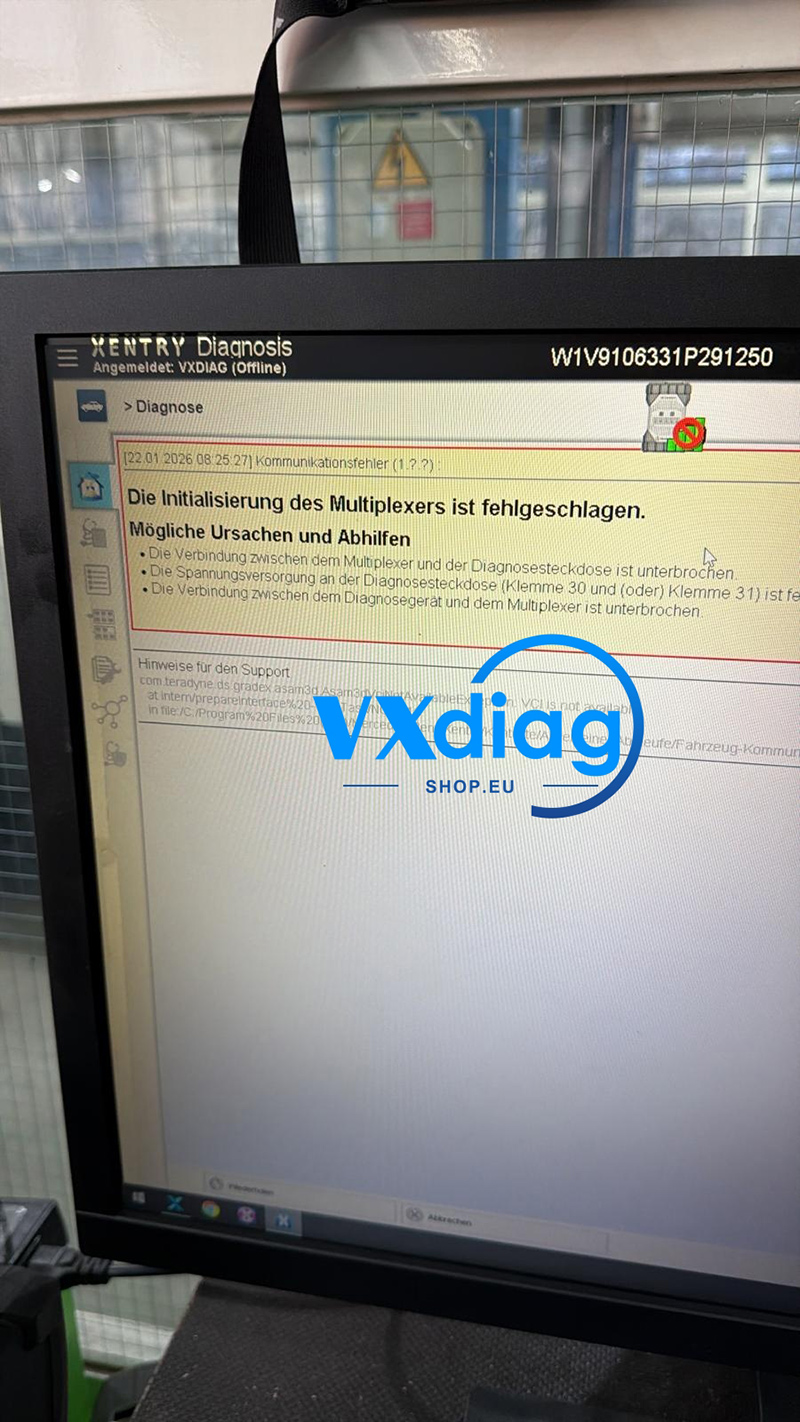
If you receive the error message “Die Initialisierung des Multiplexers ist fehlgeschlagen. Mögliche Ursachen und Abhilfen” when using Vxdiag VCX SE for Benz and cannot connect to the vehicle, follow the solutions below.
Problem:
Multiplexer initialization failed error
Unable to establish communication with the vehicle
Solution:
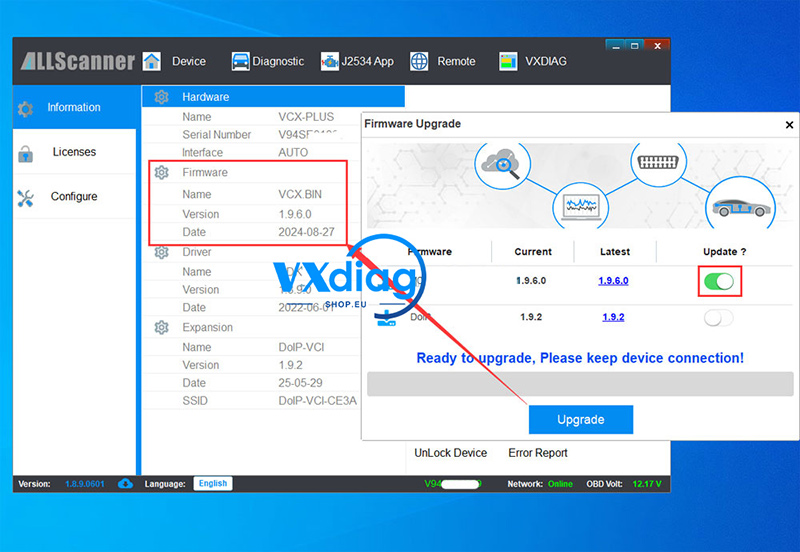
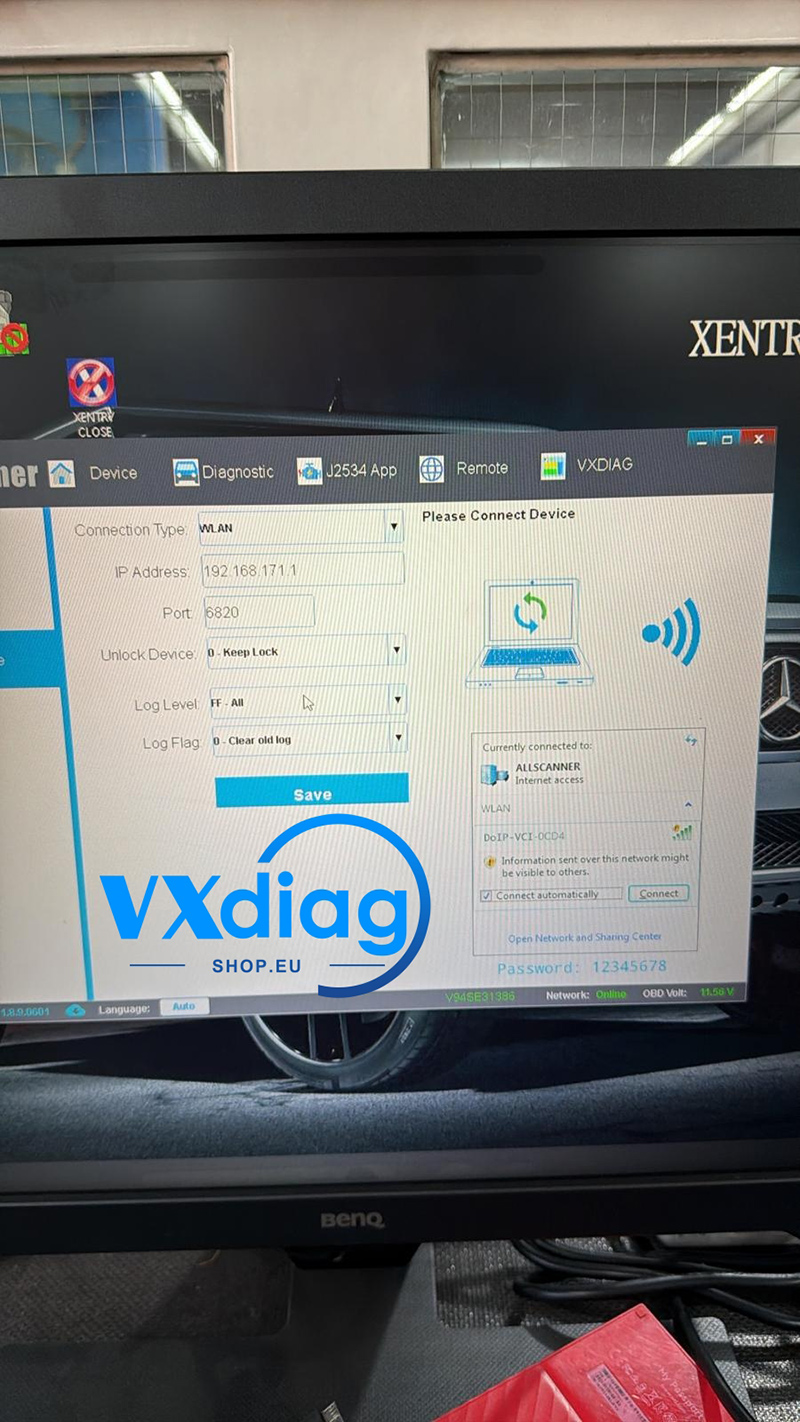
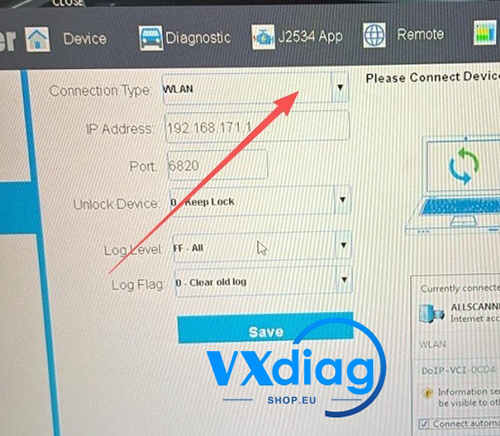
1. Change Connection Setting to “Auto.”
Go to the device settings and switch the connection mode to Auto.
2. Reinstall the Benz Driver
Uninstall the current Benz driver completely, then reinstall it.
3. Use a 12V Power Adapter
If the issue persists, connect a 12V power adapter to ensure a stable power supply during setup.
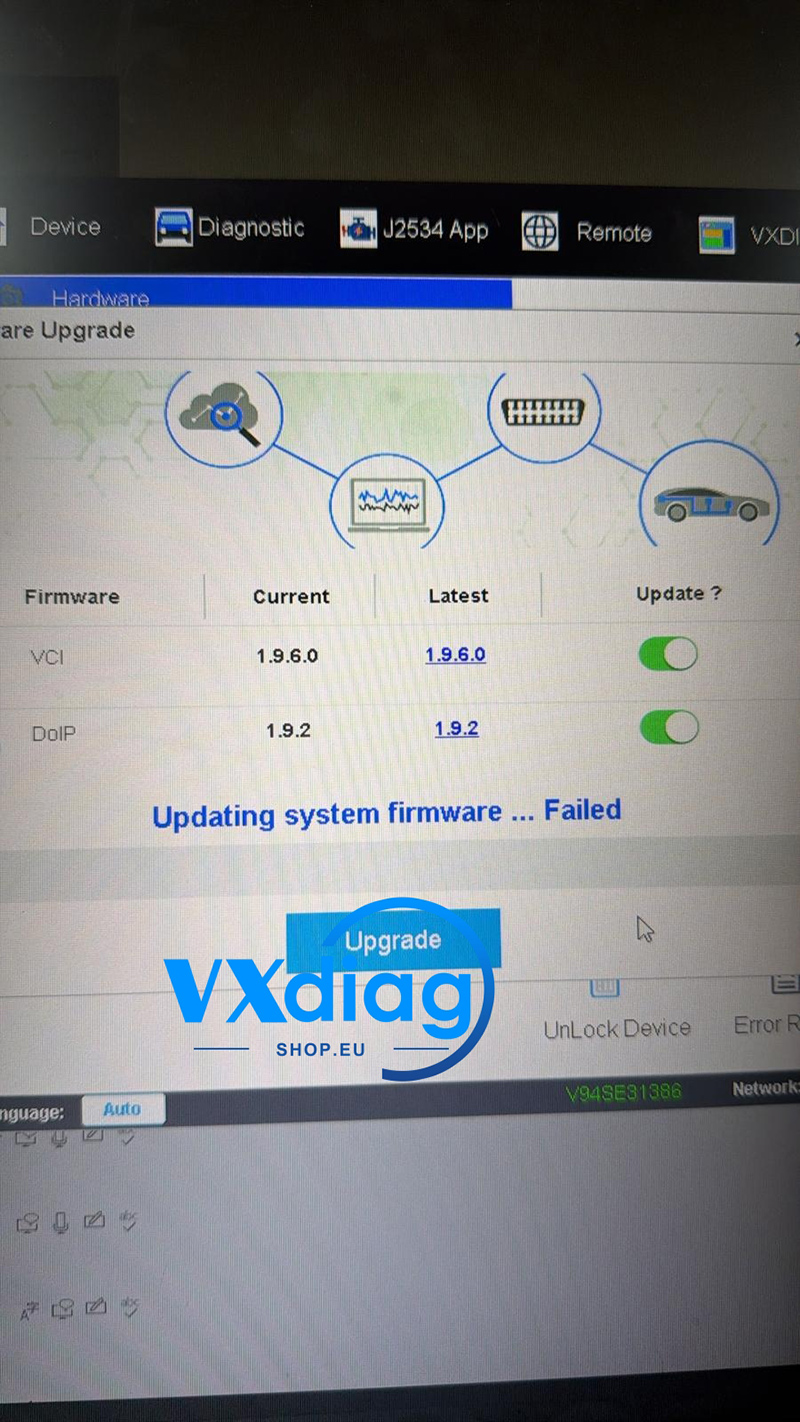
4. Update via USB (Not WiFi)
When reinstalling or updating the driver:
Do not connect via WiFi
Use a USB cable to update the driver
If necessary, reinstall the driver multiple times until the device initializes correctly
These steps usually resolve the multiplexer initialization failure and restore normal communication.
For more technical support, visit:
www.vxdiagshop.eu