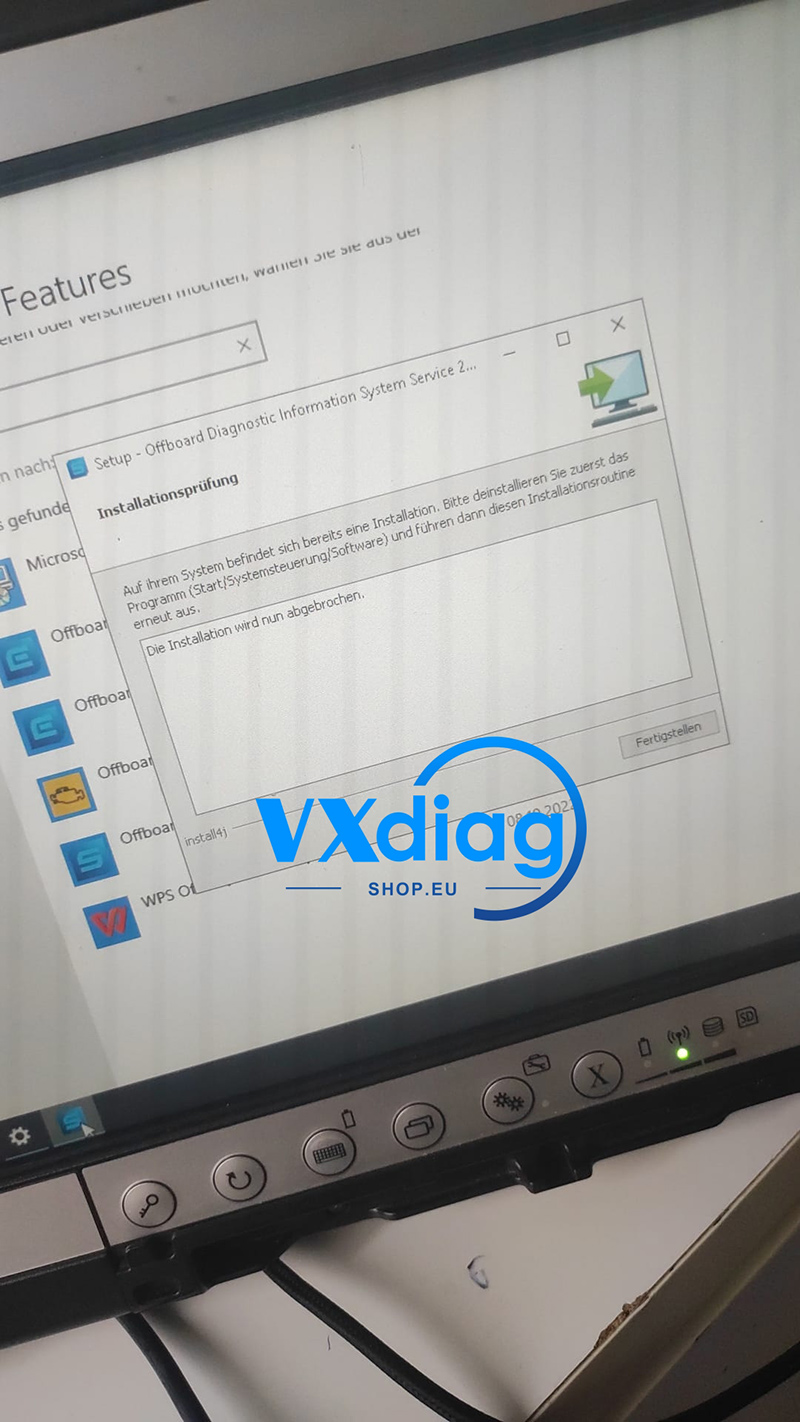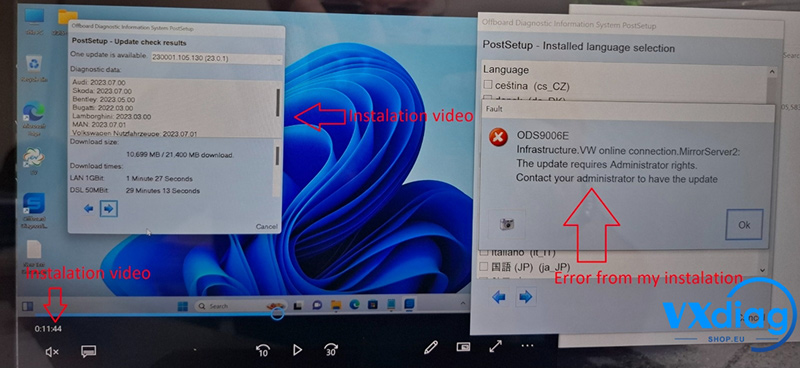
When using Vxdiag VCX SE for VW, some users may encounter the following error message:
“Error reading the license file: C:\Program Files\os\License.dat
This license is invalid.”
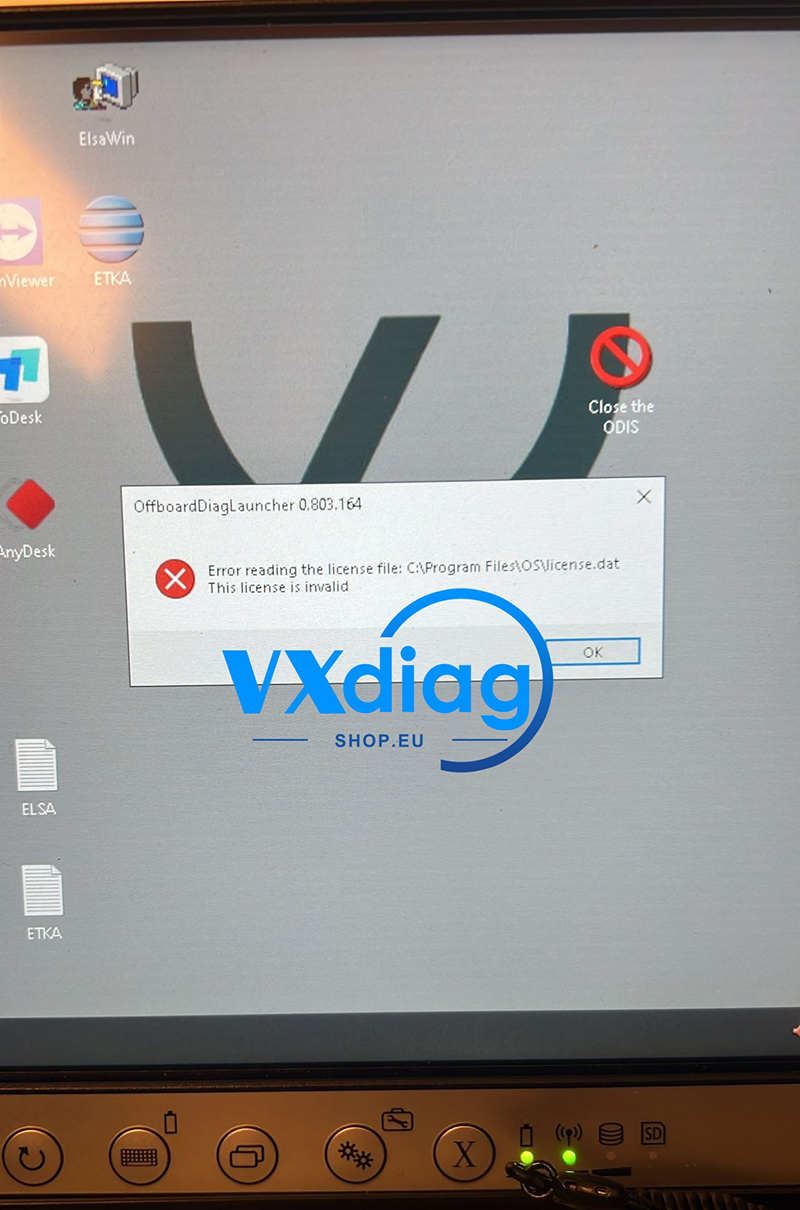
Cause:
This issue usually occurs because:
The license loading step was not completed correctly, or
The patch replacement step was not performed properly
Antivirus software may also block or delete important files during installation.
Solution:
1. Close or disable all antivirus software (including Windows Defender).
2. Uninstall the current VW software completely.
3. Reinstall the software carefully.
4. Make sure the license is loaded correctly.
5. Ensure the patch file is properly replaced in the correct directory.
After reinstalling with antivirus disabled, the license error should be resolved.
For more technical support, visit:
www.vxdiagshop.eu