Q: How do I fix the “Load SDK DLL failed!” error on VXDIAG VCX SE?
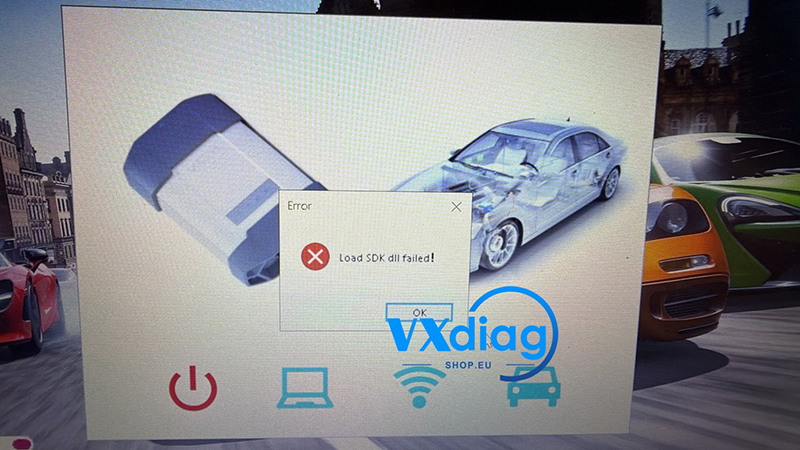
A: Try reinstalling VX Manager using the appropriate version below.
VX Manager V1.9.1.0420: Download
Compatible with VCX SE, NANO, and VCX DoIP devices.
VX Manager V1.8.9.0601: Download
Compatible with VCX SE, NANO, and VCX DoIP devices. This version is recommended if you use Mazda software.
Reinstall the appropriate version and try again.