

Q: What should I do if my laptop displays a blue screen when using VXDIAG VCX SE for Benz?
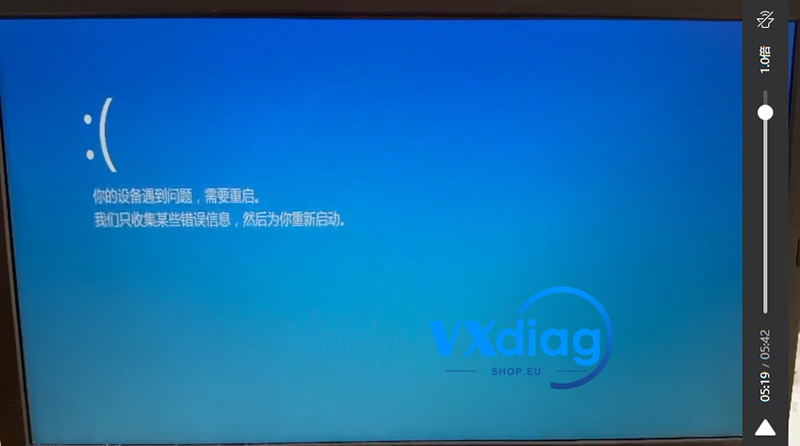
A: If you encounter a sudden blue screen error, try disabling the integrated camera driver:
1. Right-click This PC and select Manage.
2. Open Device Manager.
3. Find Integrated Camera, right-click it, and select Disable device.
Note: Disable the camera driver instead of uninstalling it.