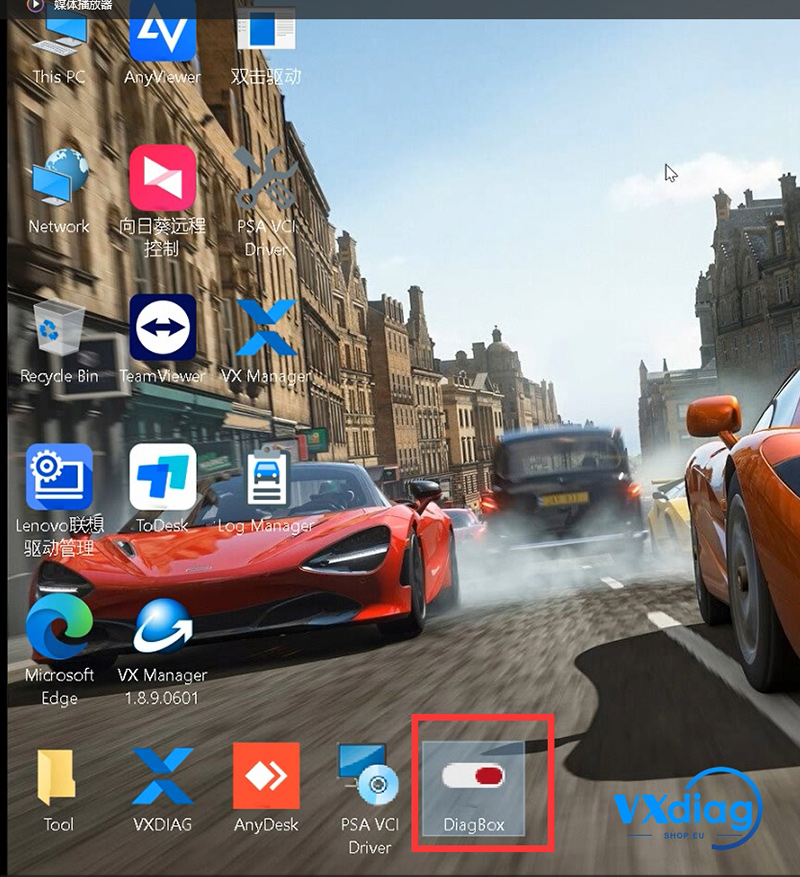

Q: VXDIAG VCX SE for PSA shows “Unable to start, unable to start main thread.” How can I fix it?
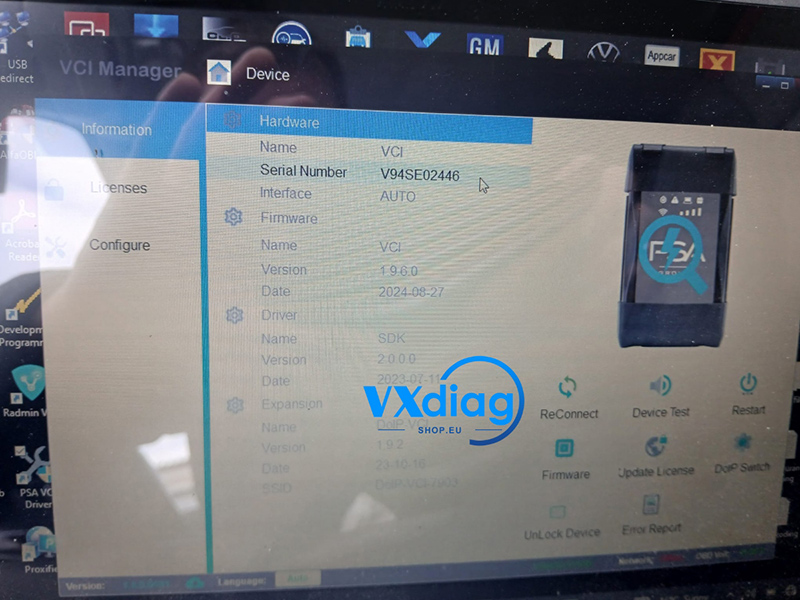
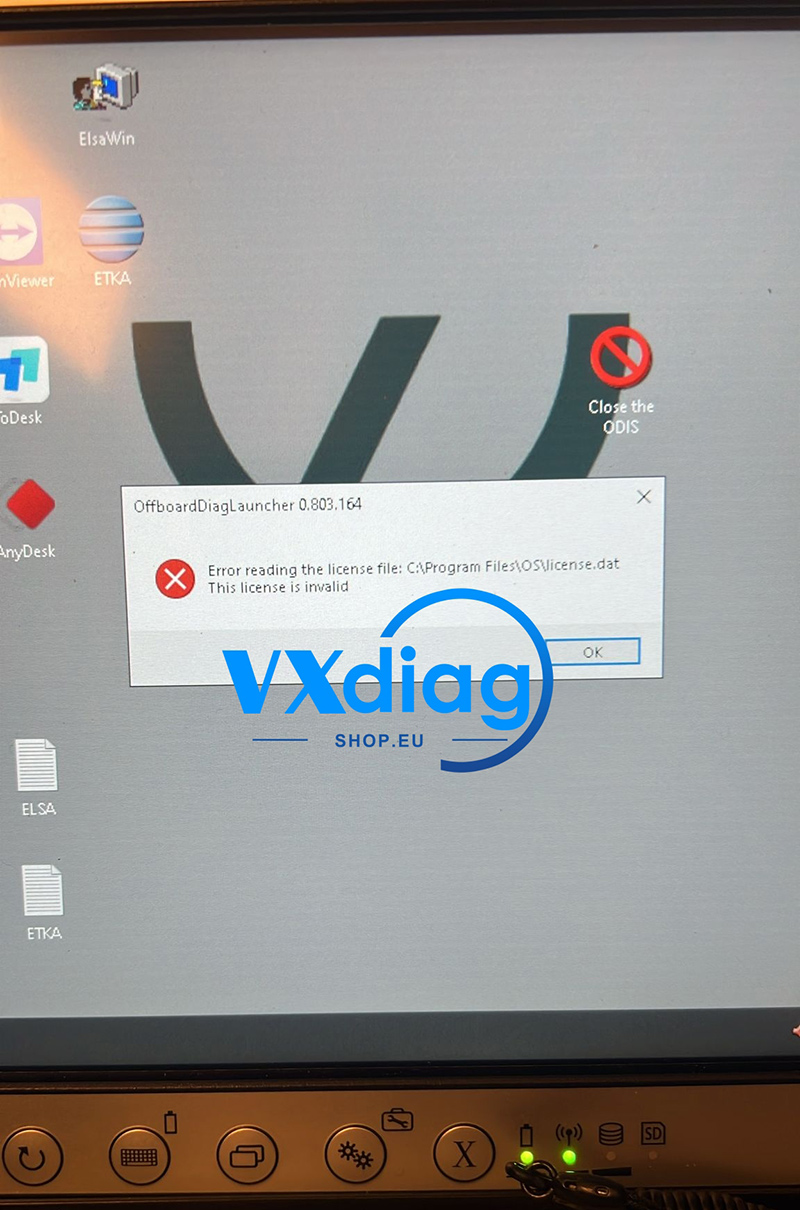
A: This issue is usually caused by a corrupted installation package. In many cases, antivirus software blocks or deletes some files during the download or extraction process.
Solution:
1. Close or temporarily disable your antivirus program.
2. Download the software again from the official source.
3. Extract the installation package and reinstall the program.
After reinstalling, the software should start normally.
For more information, visit:
www.vxdiagshop.eu