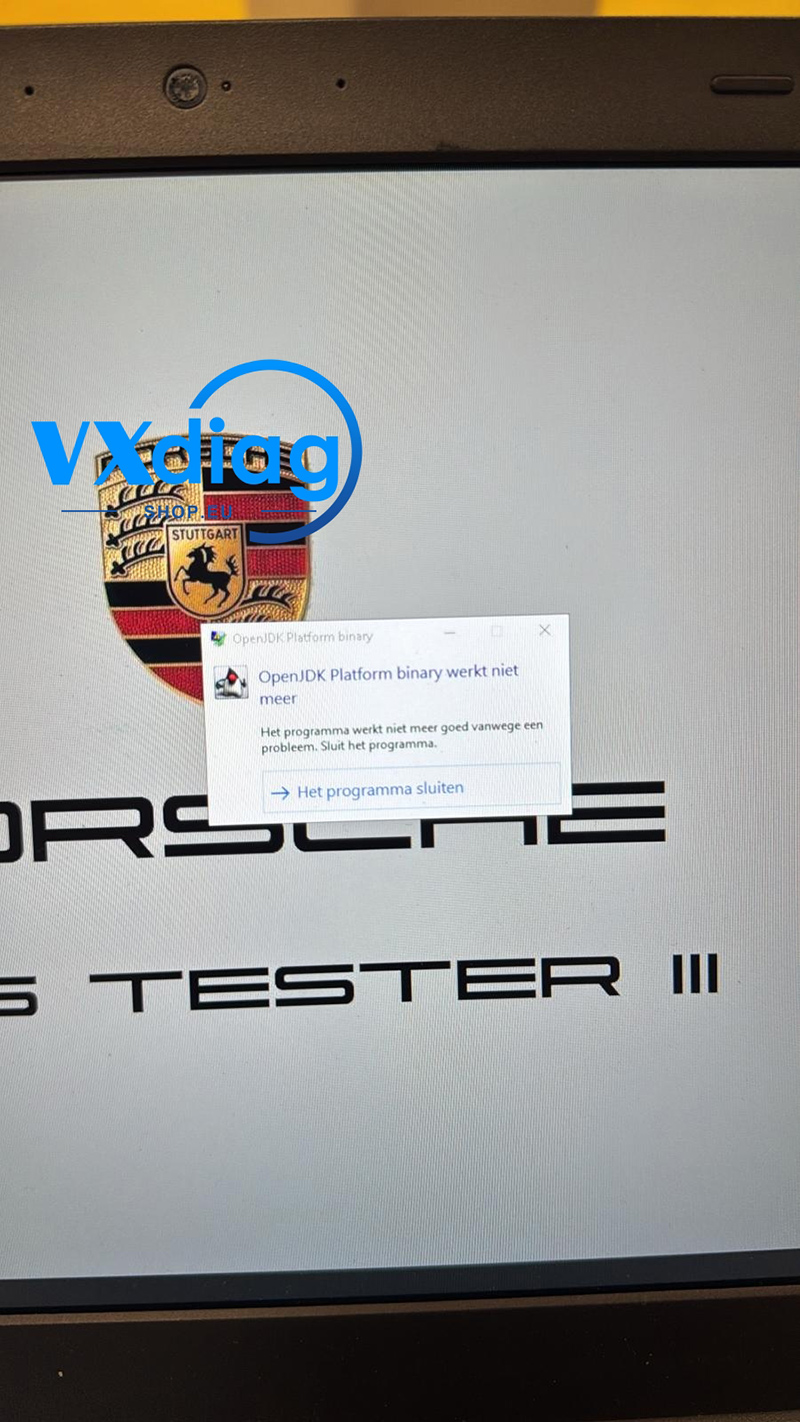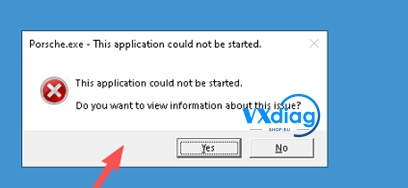
Some users may find that the display interface of the VXDIAG VCX SE for PW3 appears oversized or extends beyond the screen boundaries after installation. This issue is usually related to the computer’s display resolution settings.
Q: VXDIAG VCX SE for PW3 Is Over the Screen. What Should I Do?
Problem:
The software window does not fit properly on the monitor, and part of the interface is cut off or displayed outside the screen.
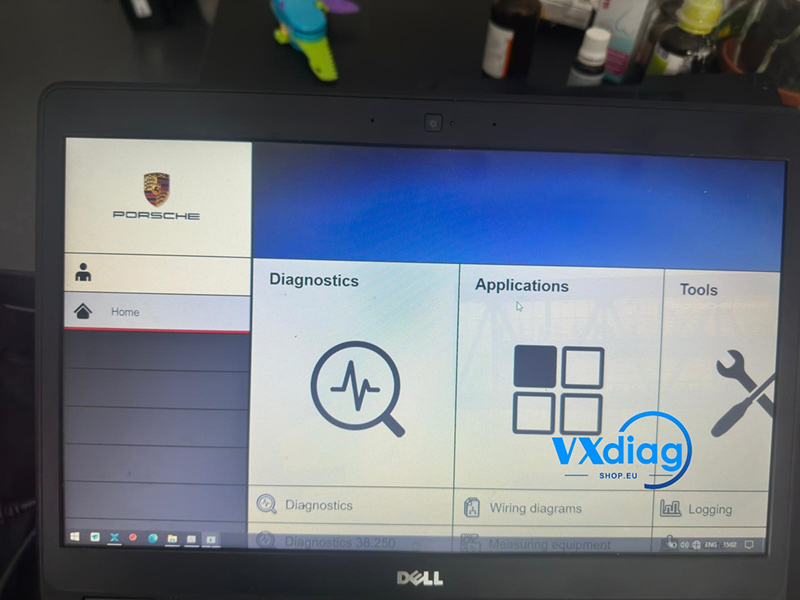
Solution:
Set your computer screen resolution to 1920 × 1080.