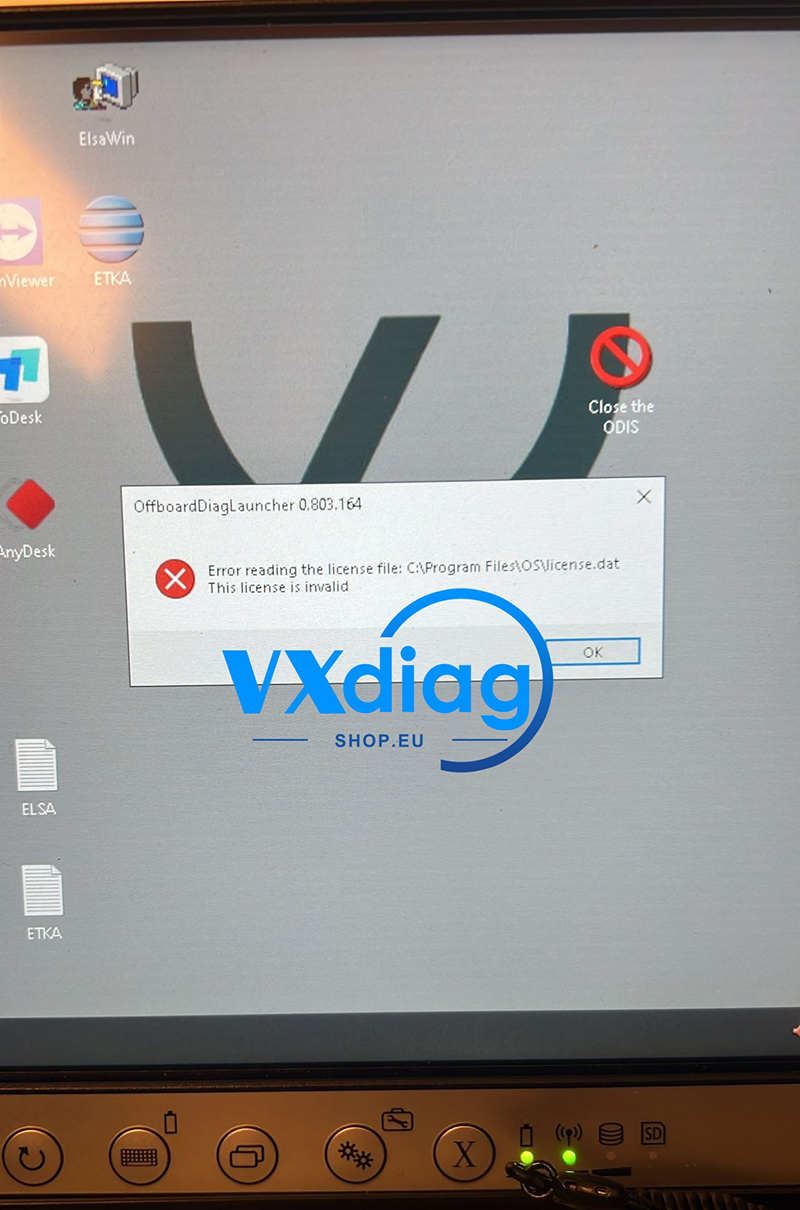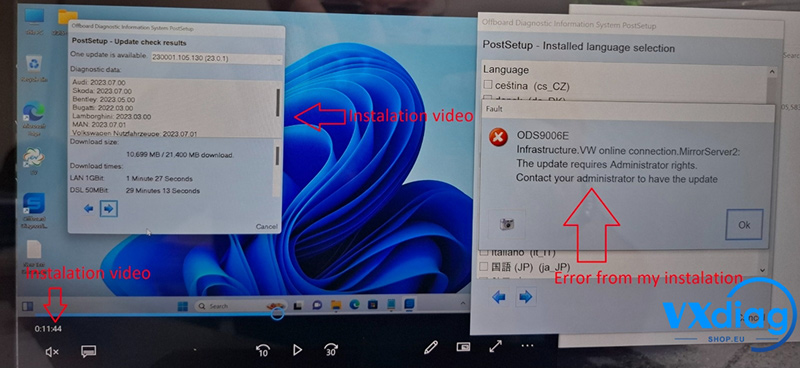
Question: I am trying to update my VW software using the VXDIAG VCX SE, but I received a warning message stating that I must first delete the old version. However, there are too many VW and ODIS-related files/programs listed on my system. I don’t know which one I should delete. What should I do?
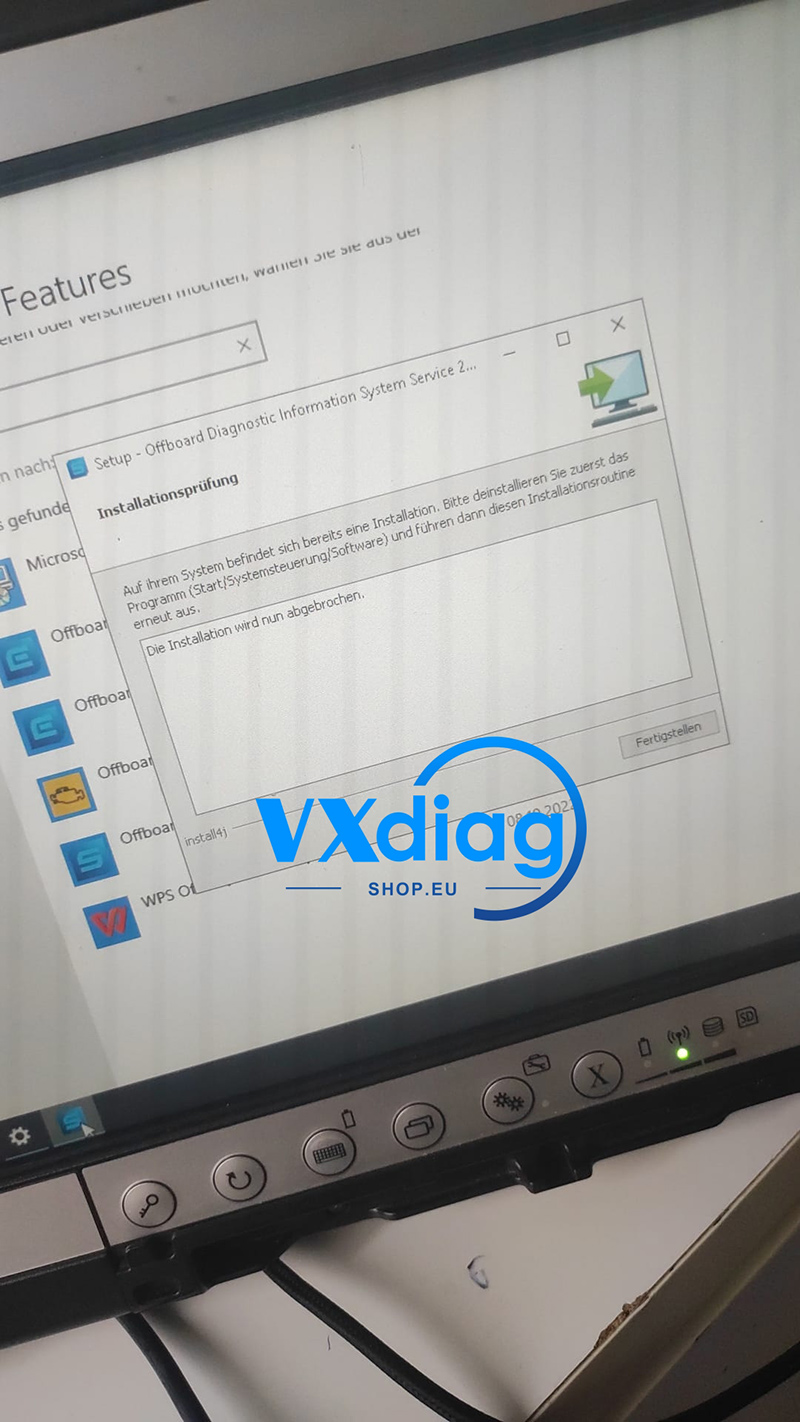
Answer: To resolve this update conflict without accidentally deleting the wrong system files, you do not need to manually guess which program to remove. Instead, follow these simple steps to fix the issue automatically:
-
Download the Fix Tool: Go to the official support link or download the specific update cleanup file provided by VXDIAG.
-
Run the File: Execute the downloaded file on your laptop. It will automatically detect and safely remove the conflicting older versions or residual registry entries.
-
Restart and Update: Once the cleanup process is complete, restart your software, then proceed with the new VW/ODIS installation.
The correct download link: https://mega.nz/file/bWxVnQyC#mgyr9yibg1LZ46GhiSFQxt4xqaFa0pn7NPaE_b-e5Rs