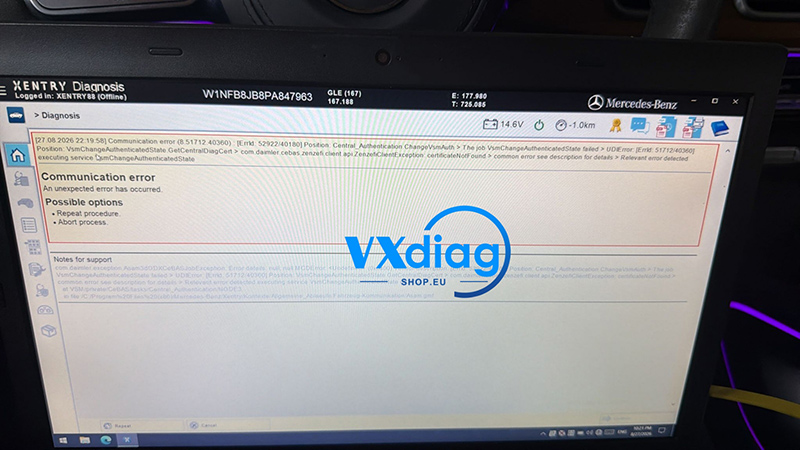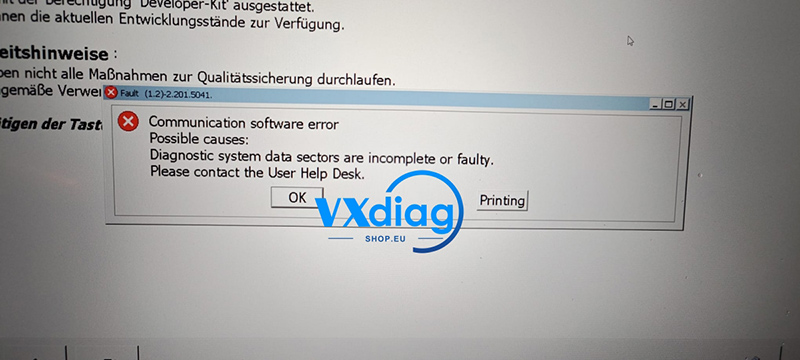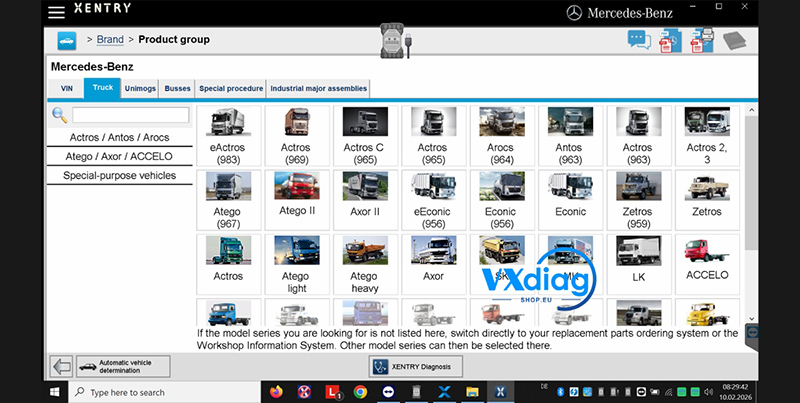
Q: Why does VCI-New keep popping up on Vxdiag VCX SE for Benz?
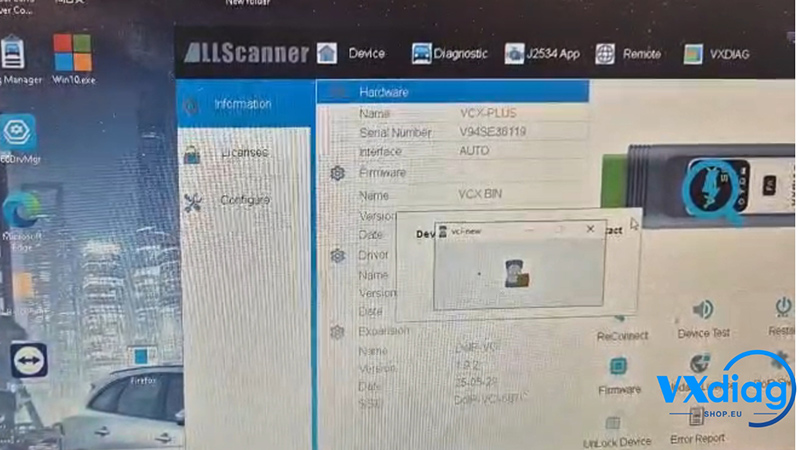
A: If the VCI-New pop-up keeps appearing, try the following solution:
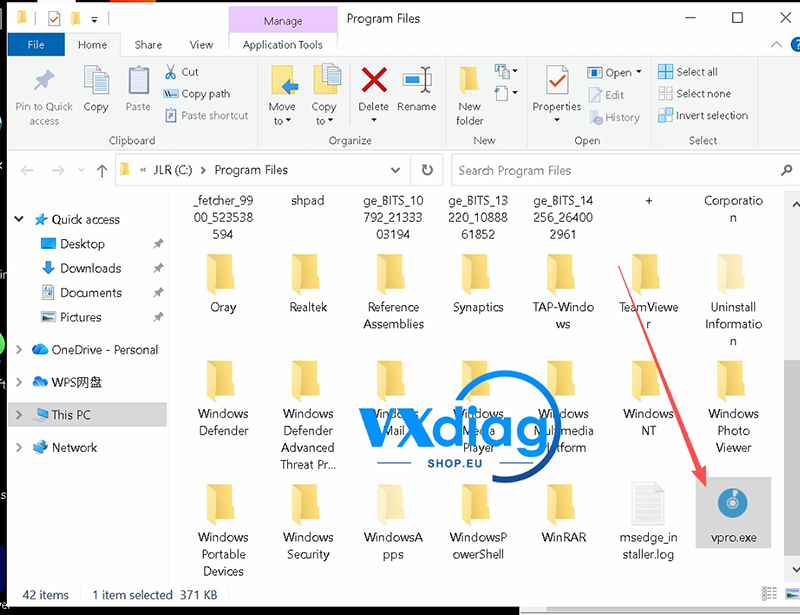
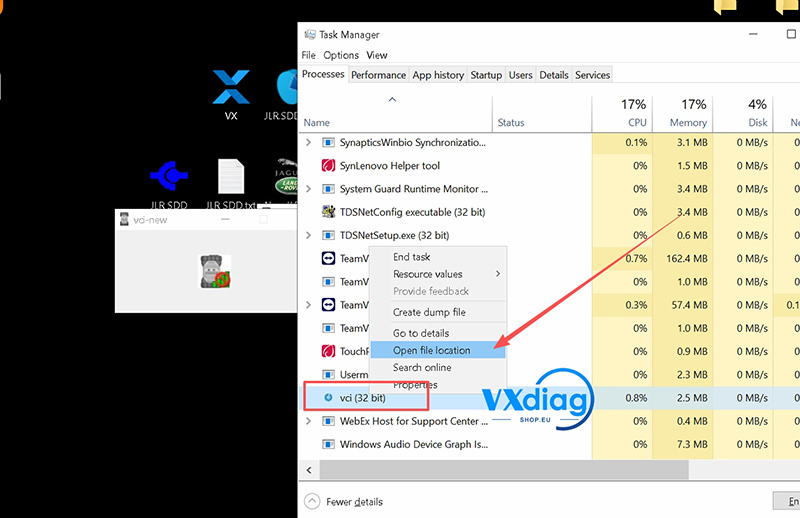
- Open Device Manager and find VPRO.exe.
- Right-click it and select Open file location.
- Open Task Manager and close VPRO.exe.
- Return to the file location and delete the corresponding VPRO.exe file.
- Restart the software and check if the problem is resolved.
This should stop the VCI-New pop-up from appearing repeatedly when using Vxdiag VCX SE for Benz.
For more Vxdiag diagnostic tool solutions, visit Vxdiagshop.eu.