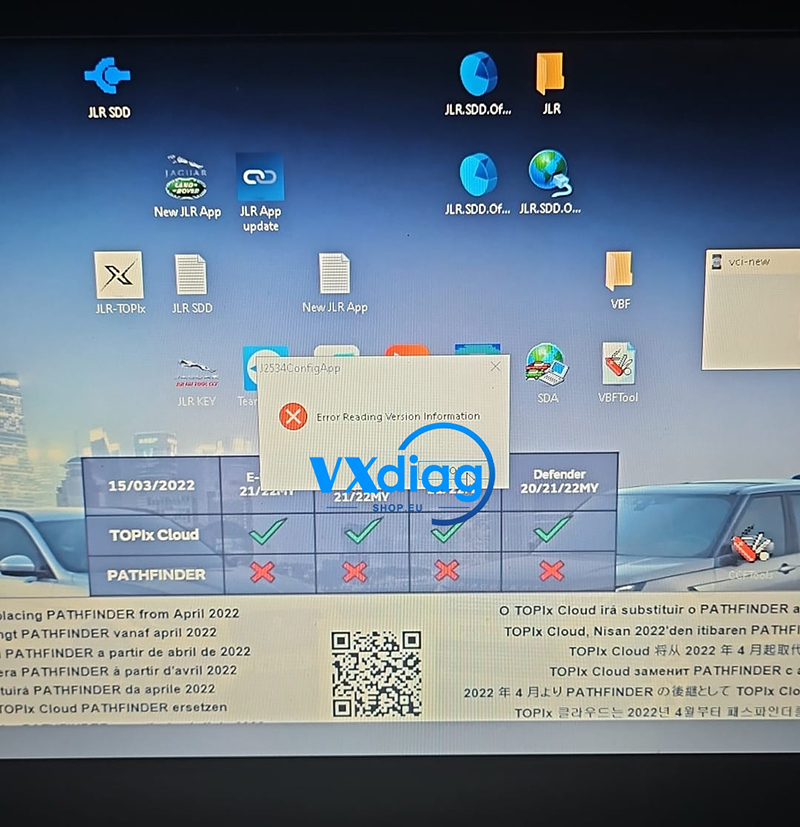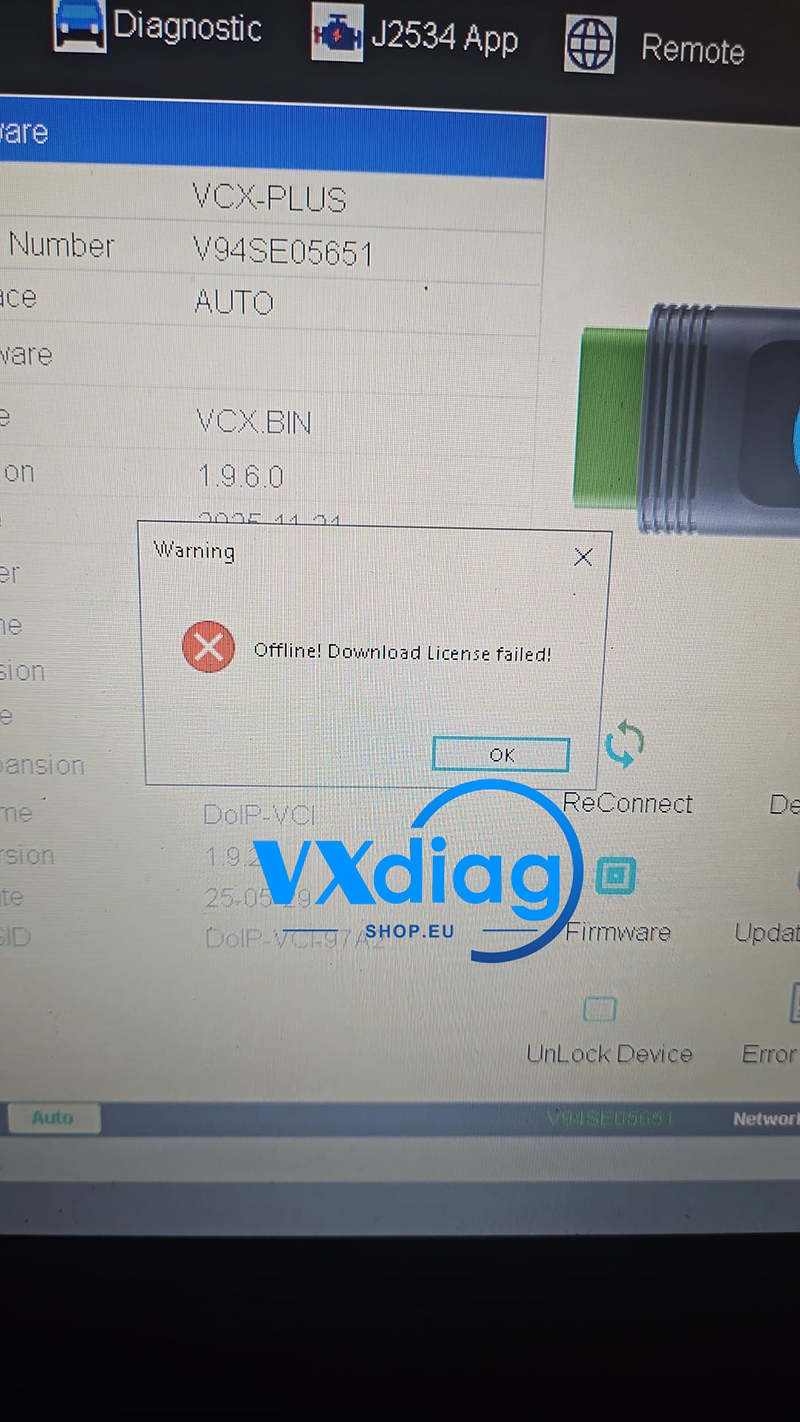
If you encounter the “Update License Failed. Retry! Error info: [4003] Recved invalid data from server” message when updating your VXDIAG device, the issue is typically related to your network connection.
Q: VXDIAG Update License Failed – Error Info: [4003] Recved Invalid Data from Server
Error Message:
Update License Failed. Retry!
Error info: [4003] Received invalid data from server
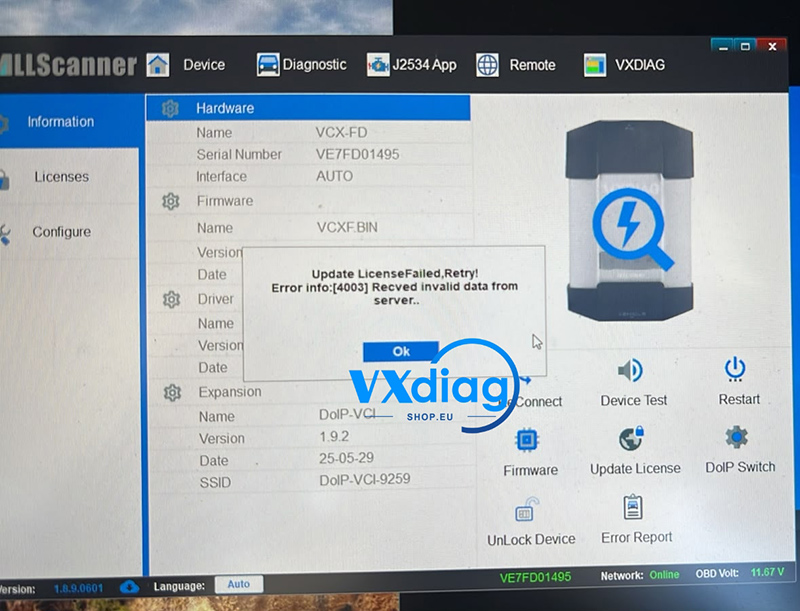
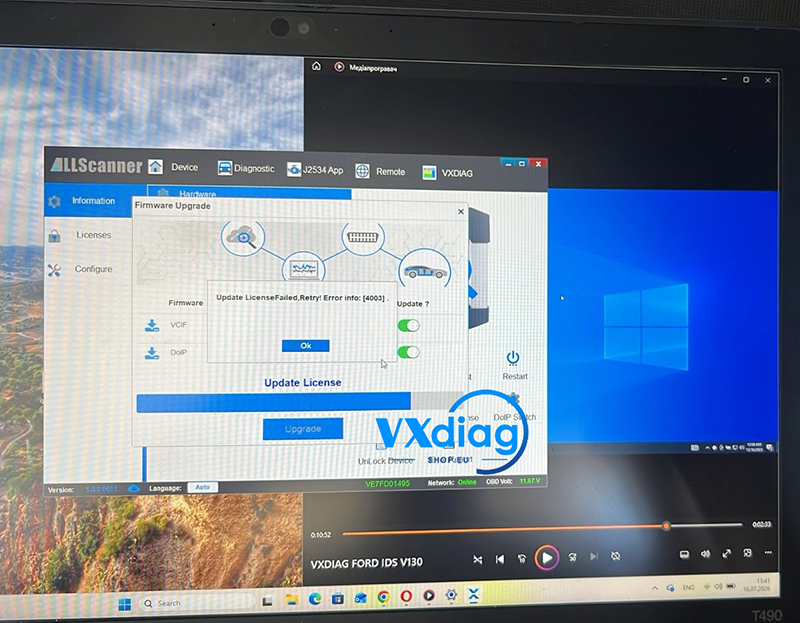
A: Error 4003 Indicates a Network Issue
According to our engineer, Error 4003 indicates a network anomaly, which prevents the device from communicating with the VXDIAG server correctly.
Solution
Instead of using your current network connection, switch to a mobile hotspot and try updating the license again.
In most cases, using a different network resolves the problem immediately.
If the update still fails, check that your internet connection is stable and try again later.
For more VXDIAG technical support and product information, visit www.vxdiagshop.eu.