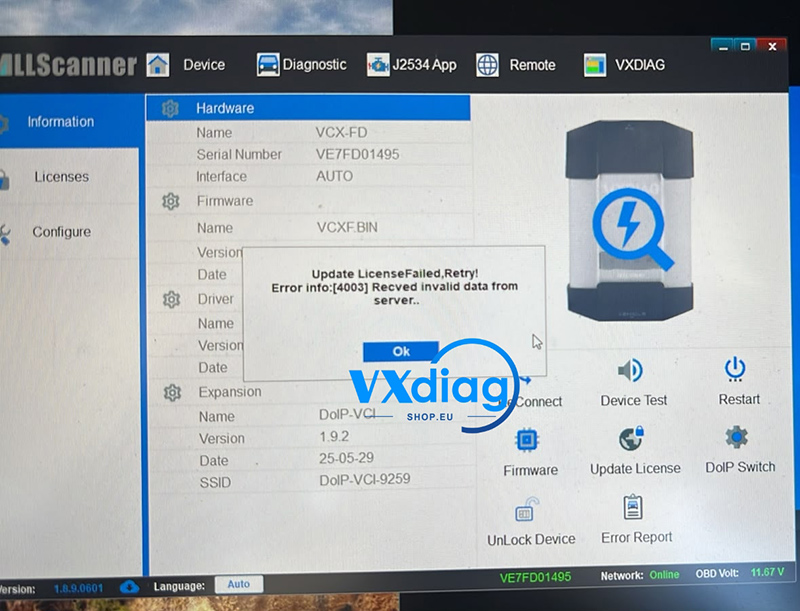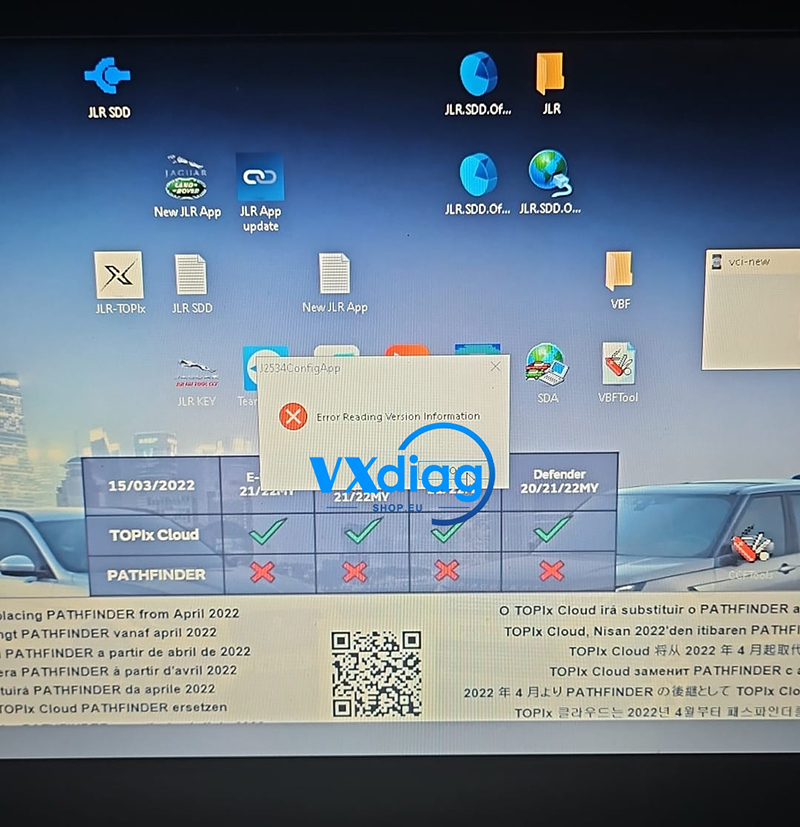
If you receive the following error when using your VXDIAG VCX SE:
Q: VXDIAG VCX SE Error Warning: Offline! Download License Failed!
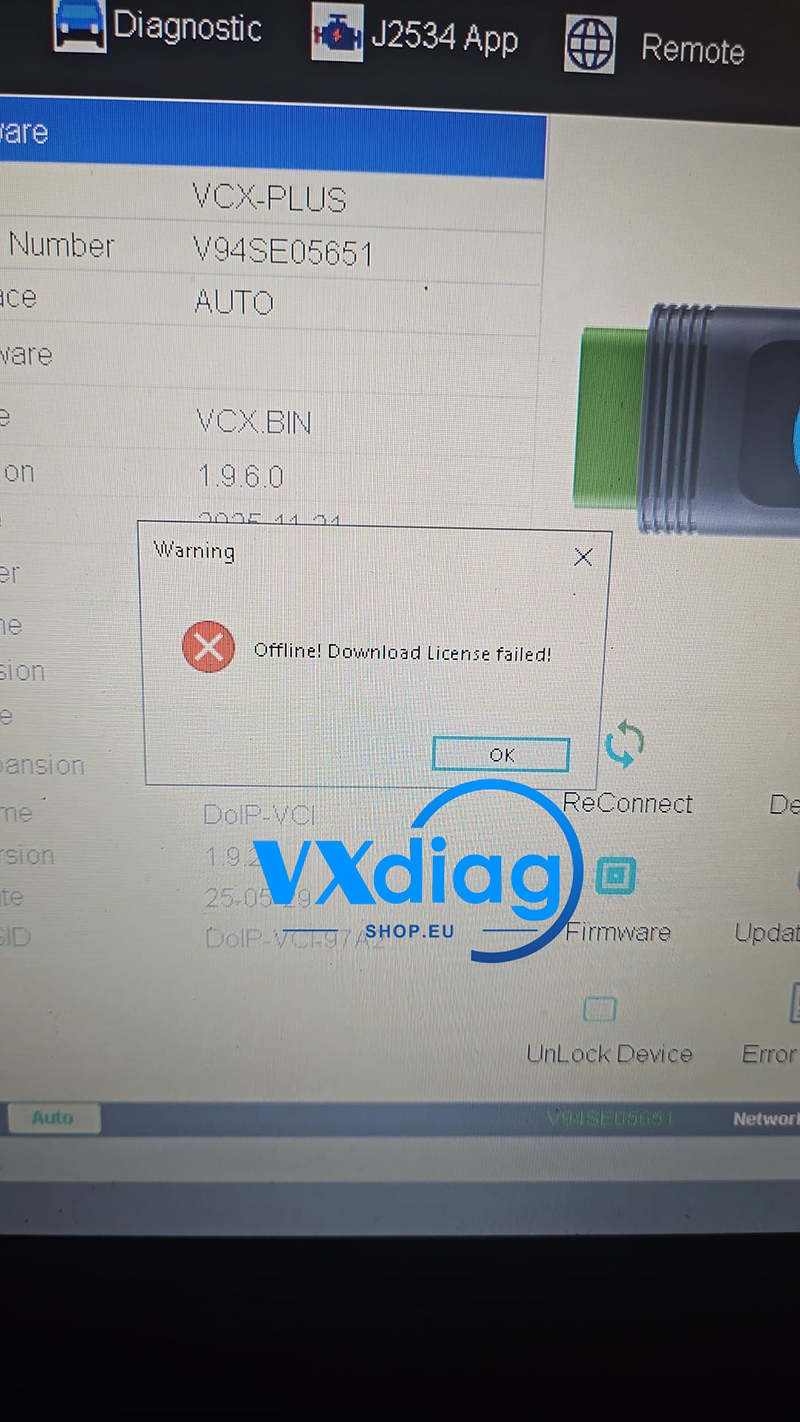
This error usually means that the software cannot connect to the VXDIAG server to download the required license files.
Solution
Make sure your computer is connected to the Internet.
Then:
Connect the PC to a stable Internet connection.
Close VX Manager completely.
Reopen VX Manager.
The software will reconnect to the server and download the license automatically.
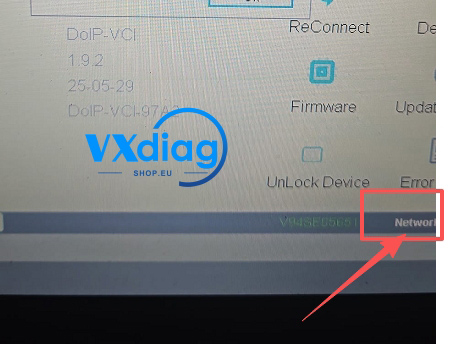
Note
The license download requires an online connection. If the computer is offline or the network is unavailable, the download will fail and this warning message will appear.
If the problem still exists after reconnecting to the Internet and restarting VX Manager, please contact VXDIAG technical support for further assistance.
Tech Support: www.vxdiagshop.eu