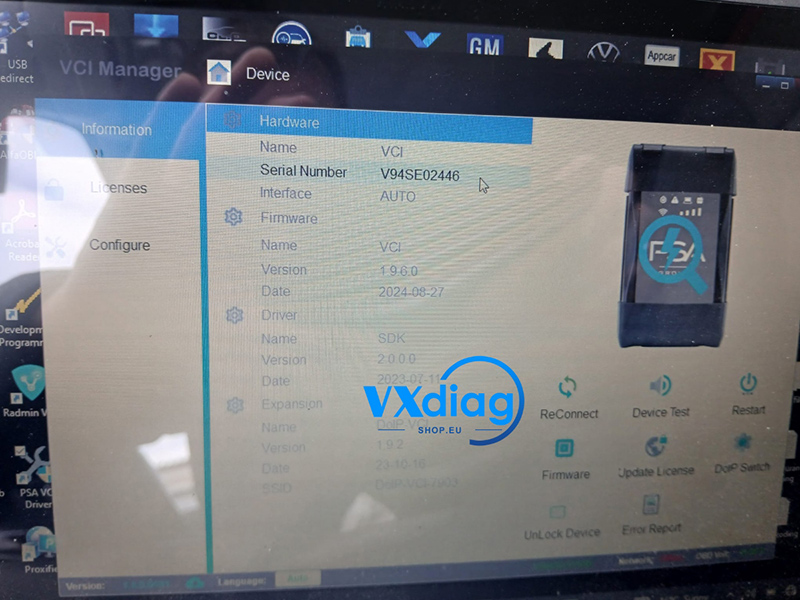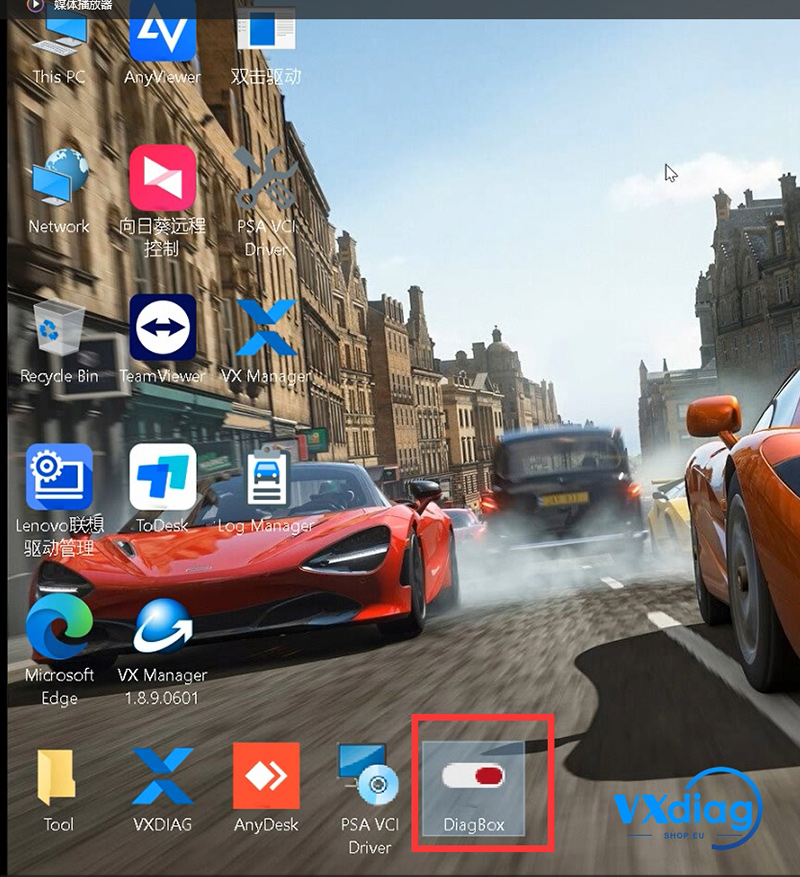
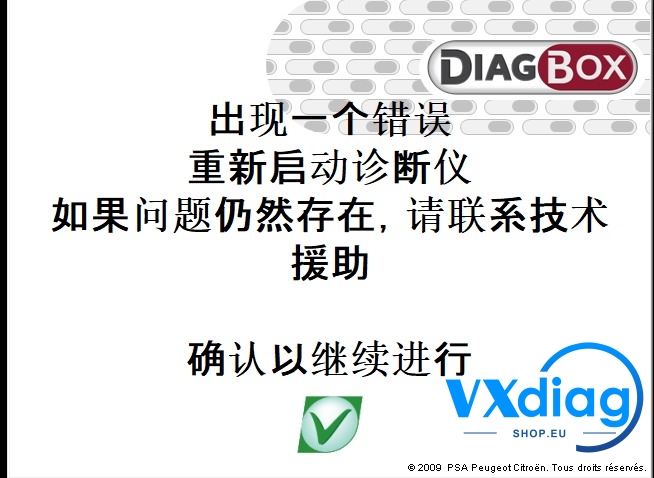
If your Vxdiag VCX SE for PSA displays Chinese characters and Diagbox fails to start, the issue is usually related to an incomplete installation or antivirus interference.
Problem:
Chinese characters appear in the VCX SE interface
Diagbox cannot launch at all
Solution:
1. Uninstall the current software completely.
2. Disable your antivirus program (including Windows Defender) before reinstalling. Antivirus software may block or delete important installation files.
3. Reinstall Diagbox and the VXDIAG driver software.
4. Restart your computer and test the device again.
In most cases, reinstalling the software with antivirus disabled resolves the issue.
For more technical support and product information, visit:
www.vxdiagshop.eu