Q: How do I open and run the Mercedes-Benz Truck software using the VXDIAG VCX SE?
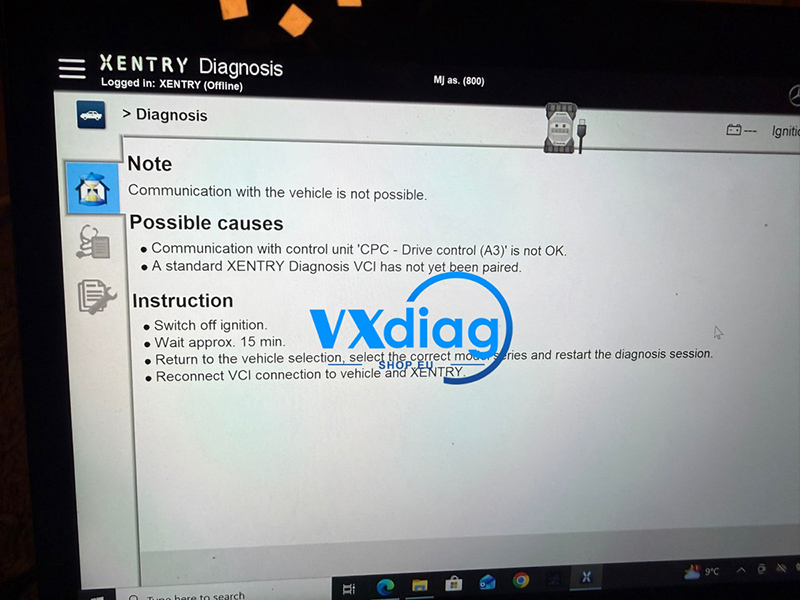
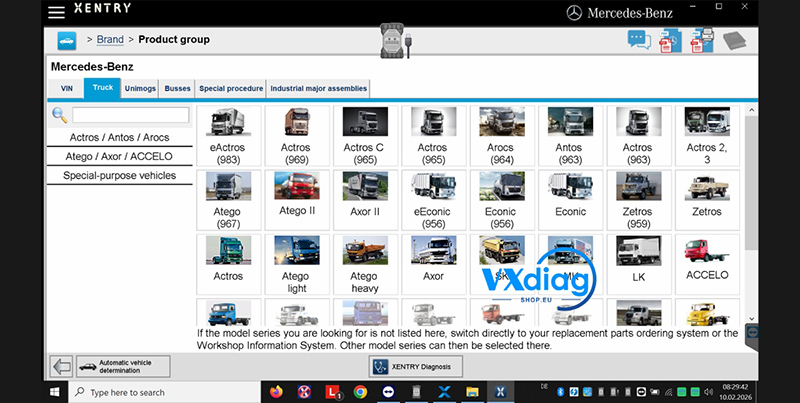
A: You can access the truck software by following these two steps:
-
Desktop Shortcut: Download the specific Xentry shortcut and place it on your desktop for quick access.
-
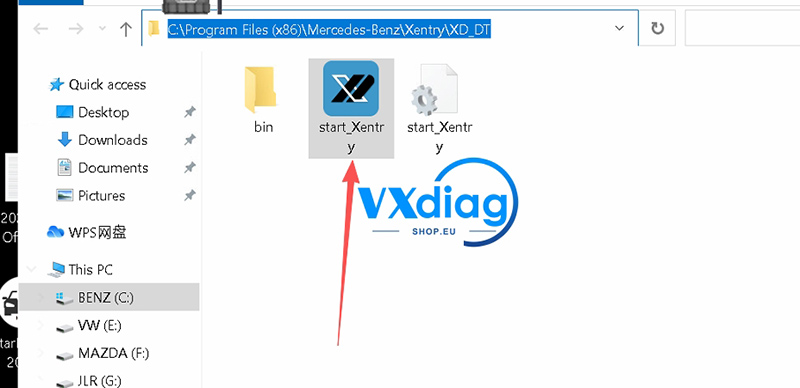
Direct Installation Path: Alternatively, navigate to the following directory on your C drive and launch the application directly:
C:\Program Files (x86)\Mercedes-Benz\Xentry\XD_DTLocate and open the file named
start-xentryto run the dedicated truck software.
For more details, visit www.vxdiagshop.eu.