Question:
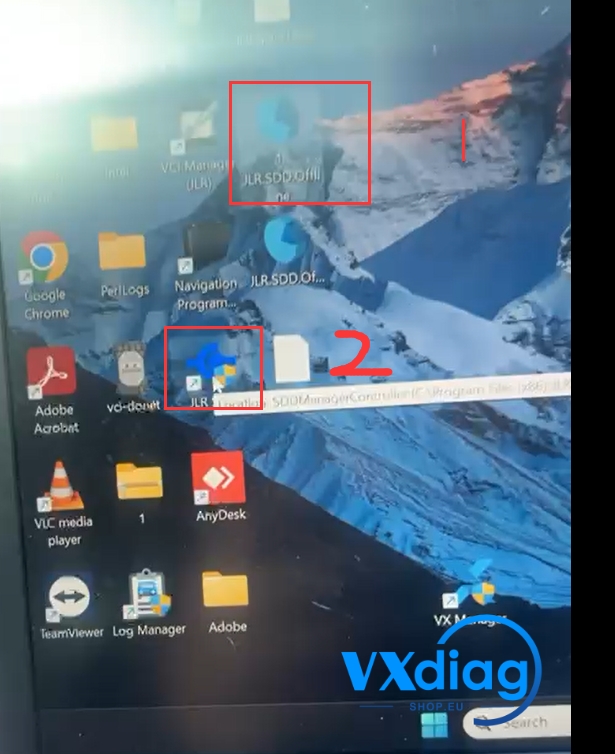
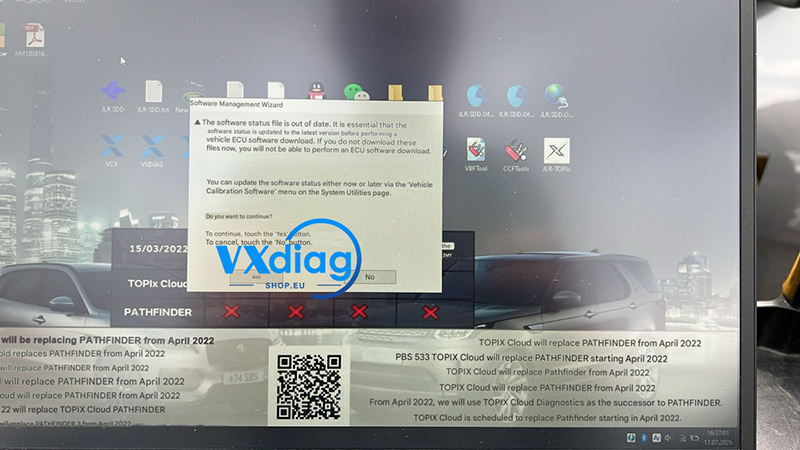
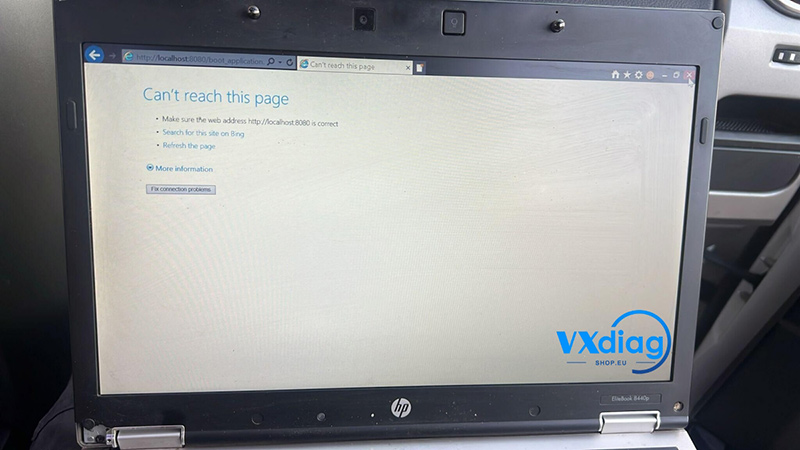
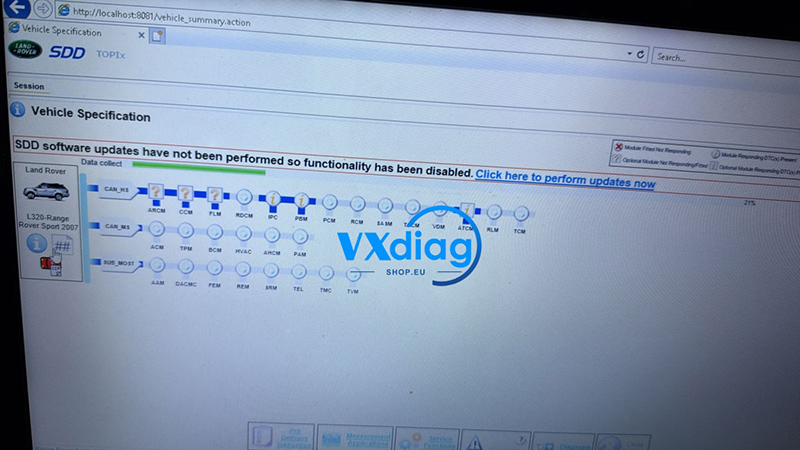
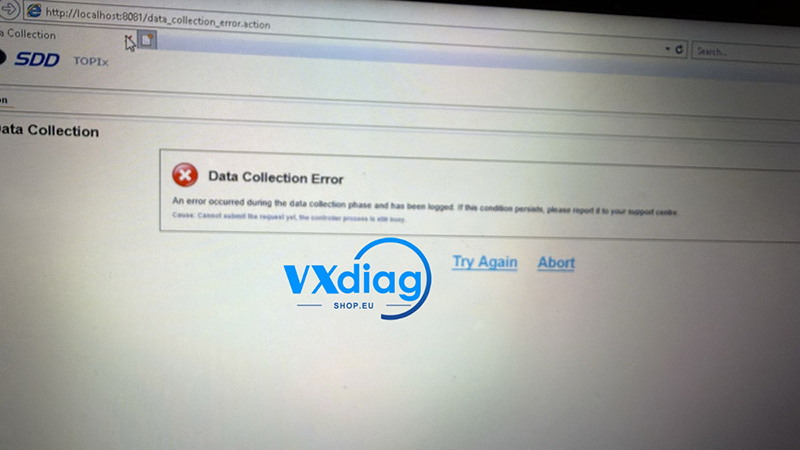
I am using the VXDIAG VCX SE for Jaguar Land Rover (JLR), but I keep getting a “Data Collection Error” message. How can I fix this issue?
Answer:
This error is caused by a software compatibility issue. The newer SDD V169 software version is currently unstable and causing this error. To resolve the problem, you need to downgrade to the stable V168 software version.
Follow these steps to fix the error:
Step 1: Download the Stable Software & Patch
Download the official, stable version of the software and its matching patch using the links below:
-
JLR SDD V168 Software: https://mega.nz/folder/0ahHFSrY#RuhWaaJt_8tedW41GhOBRA
-
JLR SDD V168 Patch: https://mega.nz/file/OawkHQID#xADBLHgDxHzVerJbS1r77HJ4h2by8fIcTlqtxIqyujM
Step 2: Install and Apply the Fix
-
Uninstall the problematic V169 software from your system.
-
Install the JLR SDD V168 software that you just downloaded.
-
Once installation is complete, find the downloaded patch file. Note: The patch does not require a formal installation process—simply double-click the file to run it and automatically apply the fix.
For more technical support and official diagnostic tools, visit www.vxdiagshop.eu.