Question:
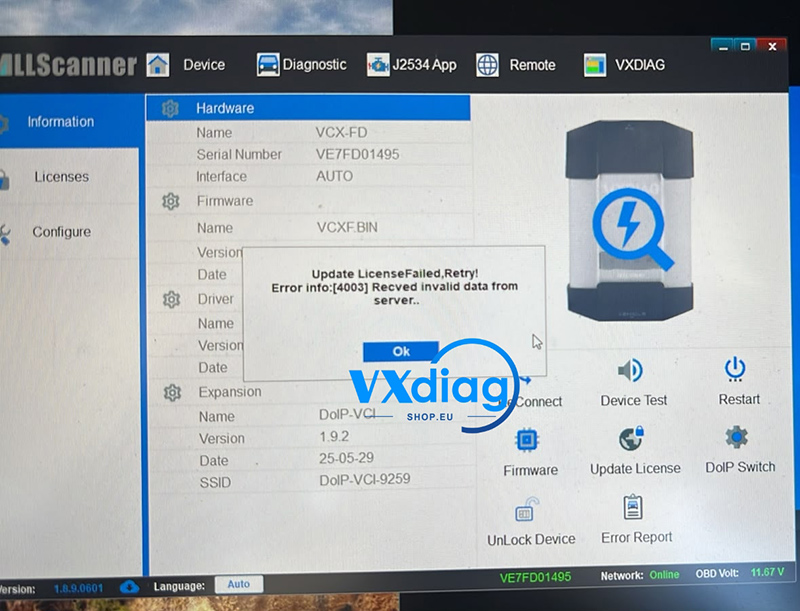
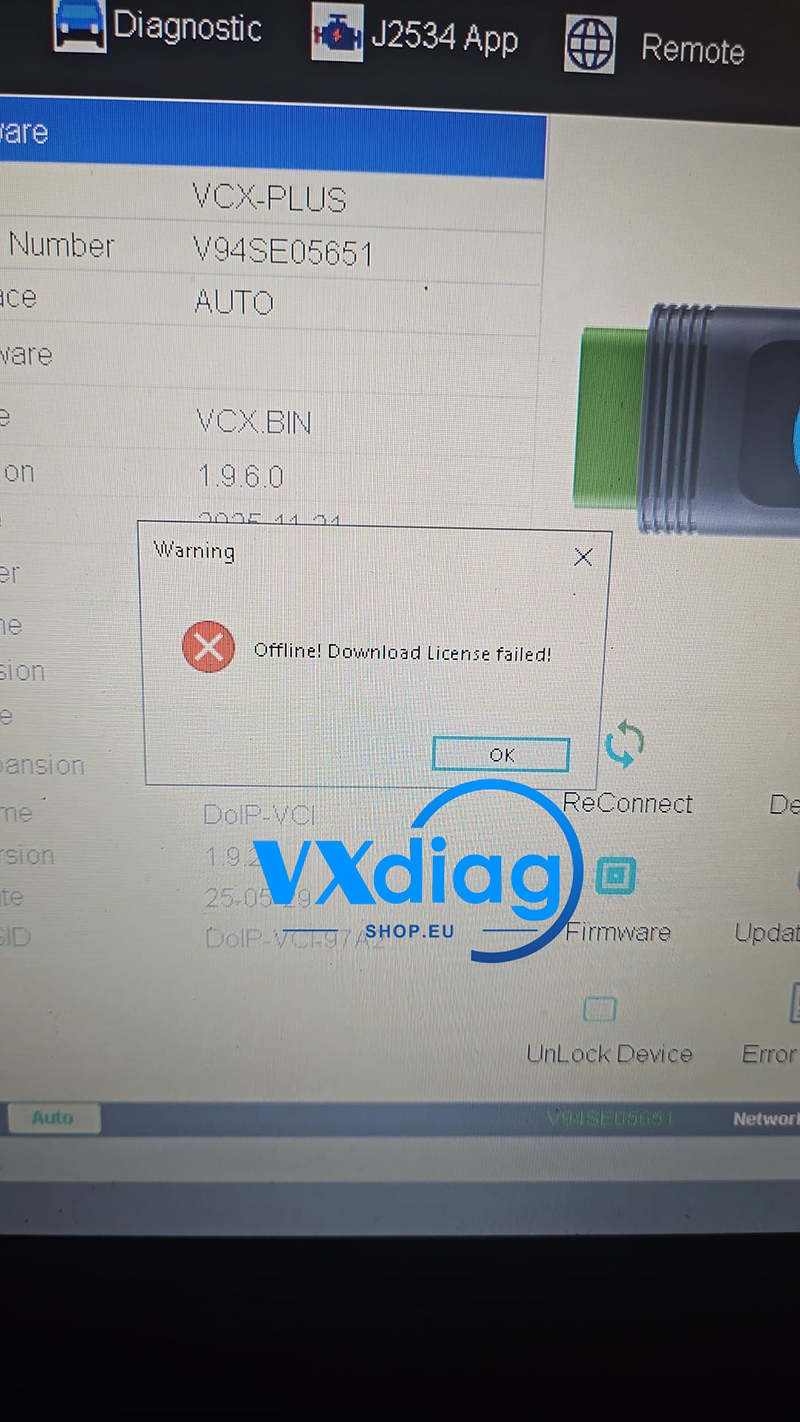
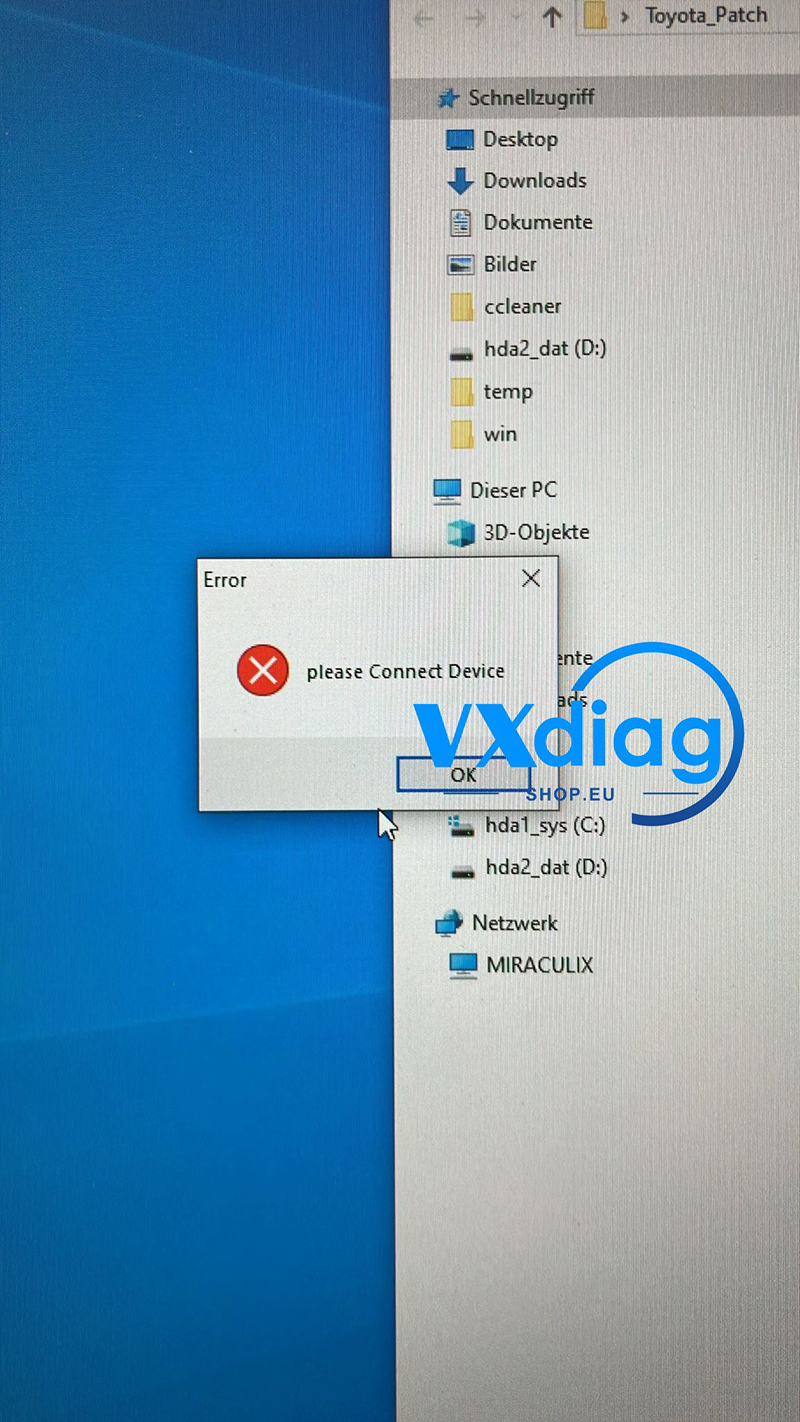
My VXDIAG VCX hardware is physically connected to my laptop, but it is not establishing a connection with the car. Inside the software, I get an error message saying “Please Connect Device,” and VX Manager shows that it is not installed or detected. How do I fix this?
Answer:
This issue usually occurs because the device is not receiving enough power to fully boot up and communicate with both the vehicle and the diagnostic software.
To resolve this connection issue, follow this simple troubleshooting solution:
Step-by-Step Solution:
-
Supply 12V Power: Connect a stable 12V power line to the vehicle or ensure the device is firmly plugged into the vehicle’s OBD2 port with the ignition turned on. The device relies on the vehicle’s 12V power supply to activate its communication modules.
-
Verify via VX Manager: Once the 12V power is connected, open your VX Manager software on the laptop.
-
Check Connection Status: Look at the device status icon in VX Manager. If the power supply was the issue, the software will now successfully detect the hardware, meaning the device is properly communicating.
For additional technical support and official updates, please visit www.vxdiagshop.eu.