Before using the device, install the VX Manager client management tool and driver program on the computer. Download link: http://www.vxdiag.net/#download
Attention: Do not install antivirus software to avoid intercepting and accidentally deleting files
1. Client installation
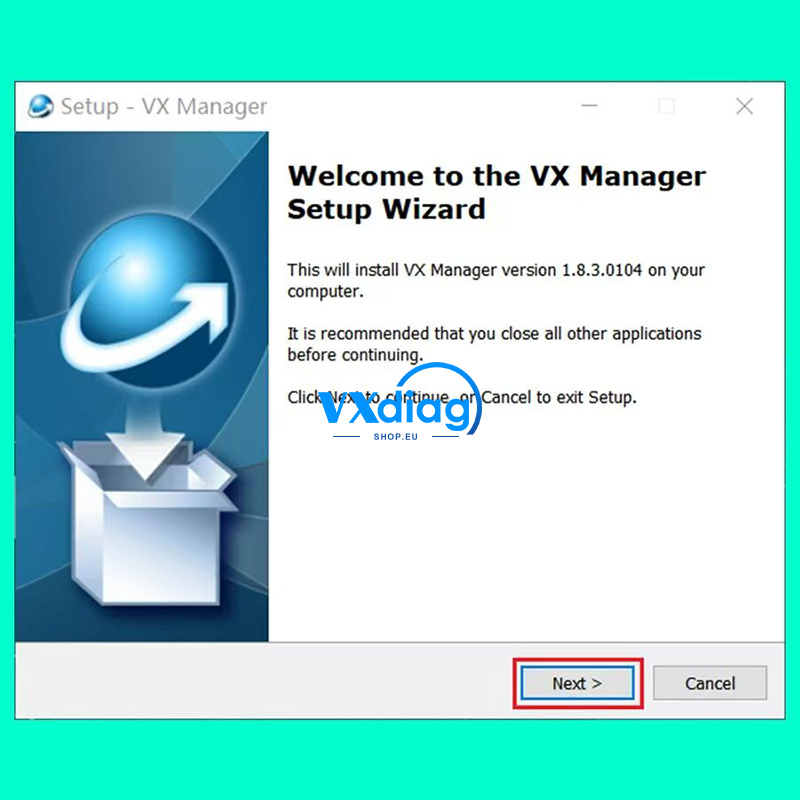
Double-click to run the installer and click “Next” to continue
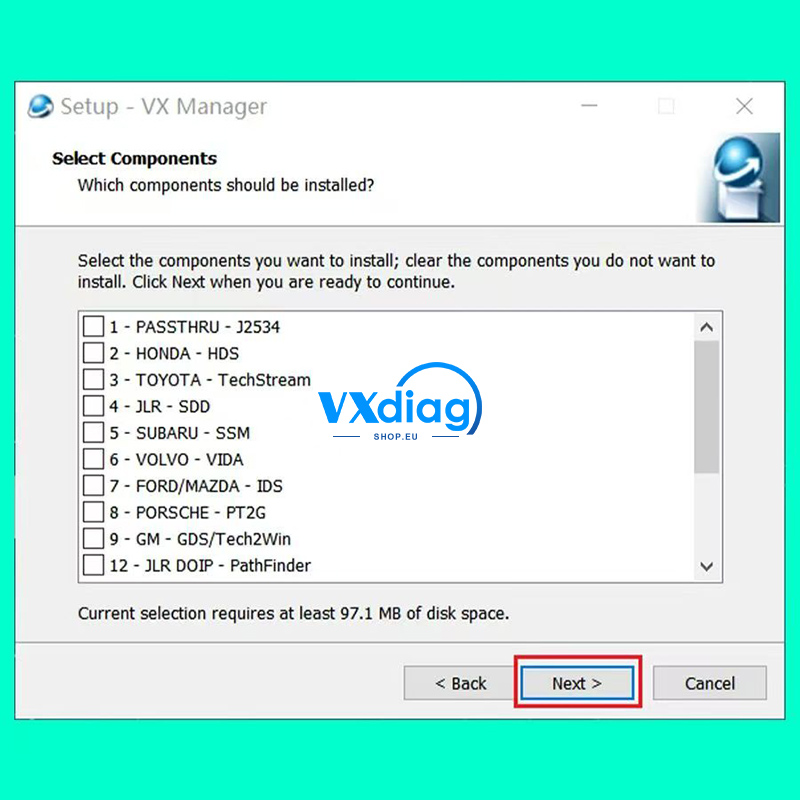
Check the corresponding driver for the software and click “Next” to continue
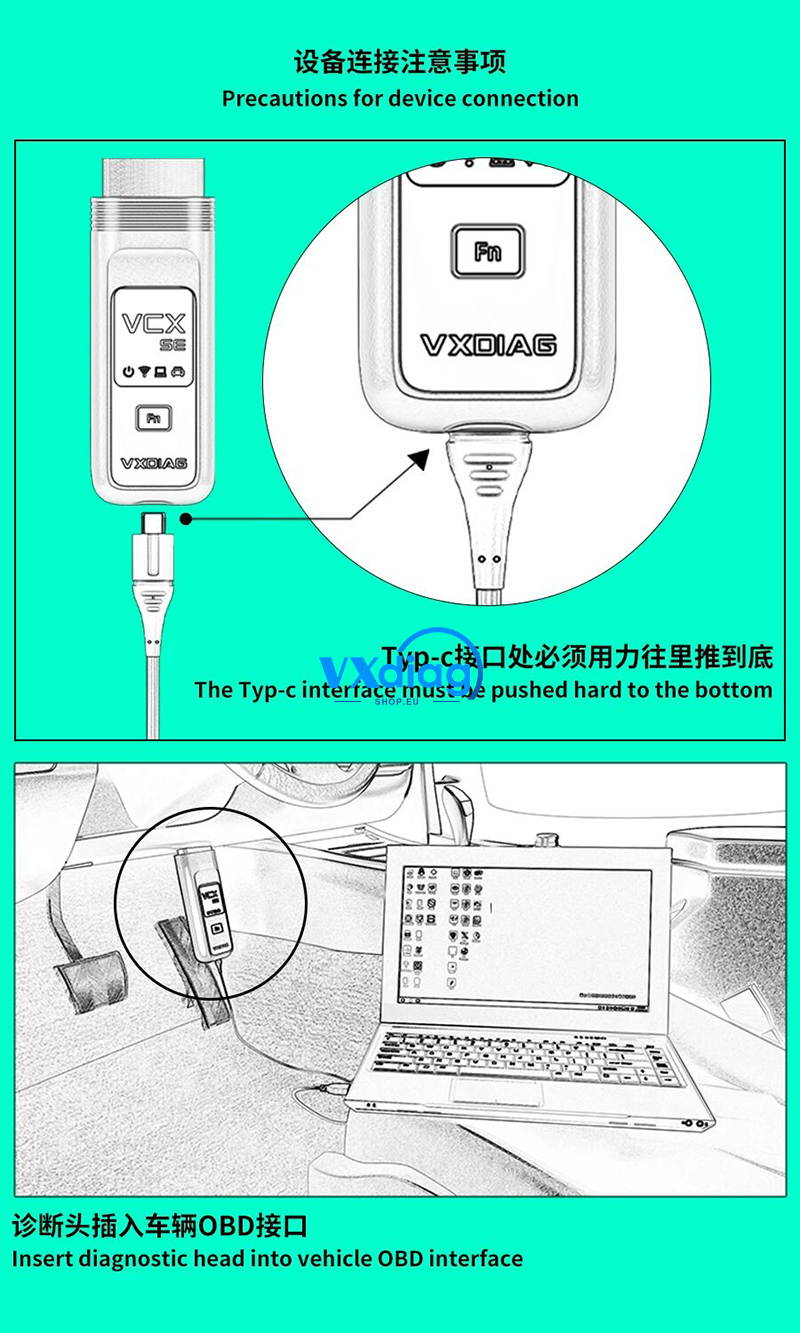
2. Precautions for device connection
3. Check the connection status of the device
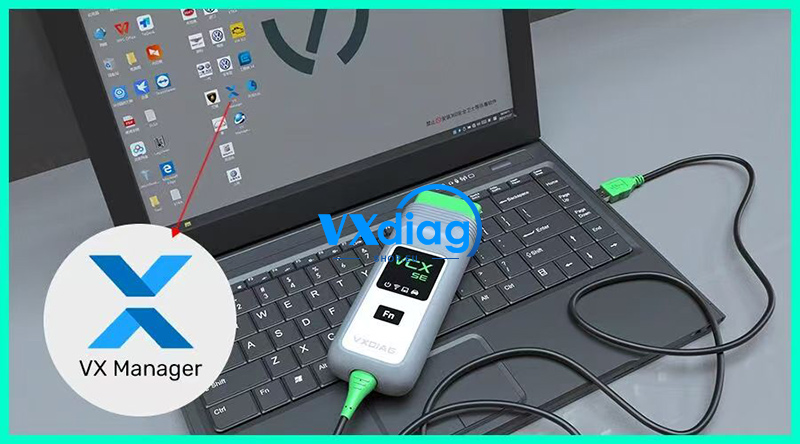
After connecting the device, open the VXManager client on the desktop
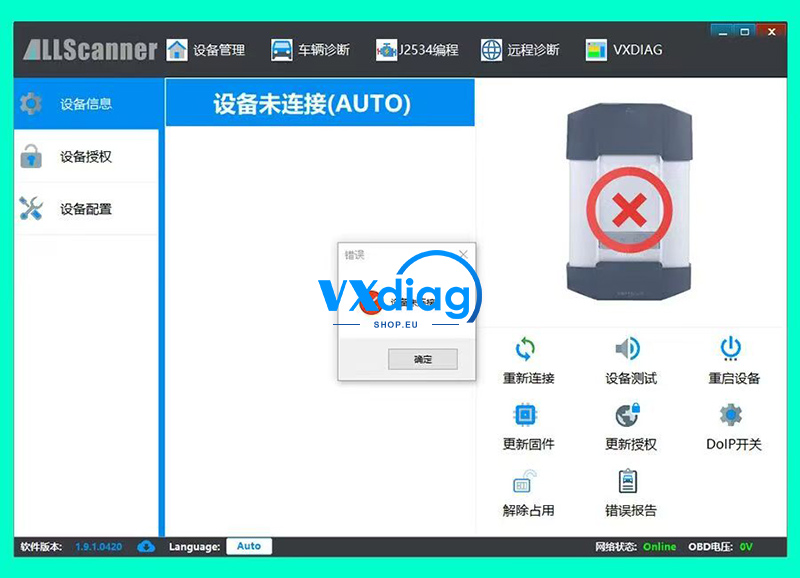
Click to reconnect, it prompts that it is not connected, you need to check if the interface is loose, or change the USB position of the computer
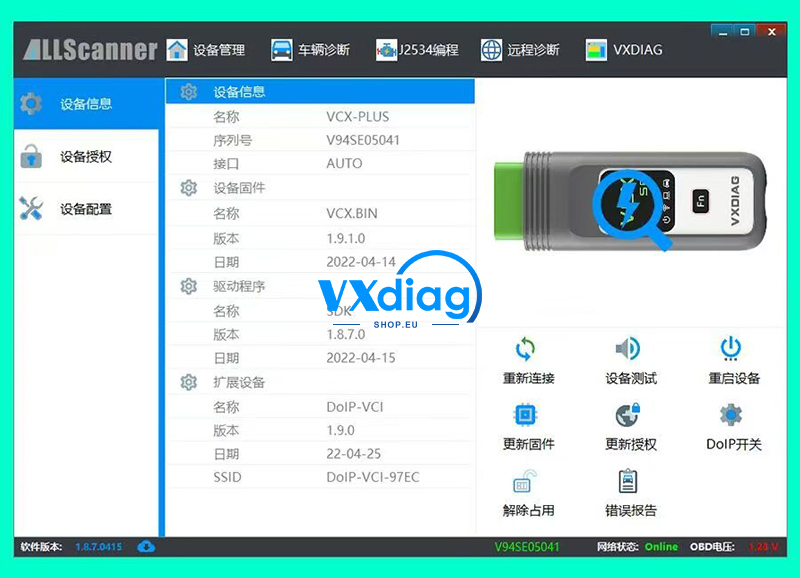
Click “Reconnect”, display information such as serial number, name, and version, indicating that the device has been successfully connected
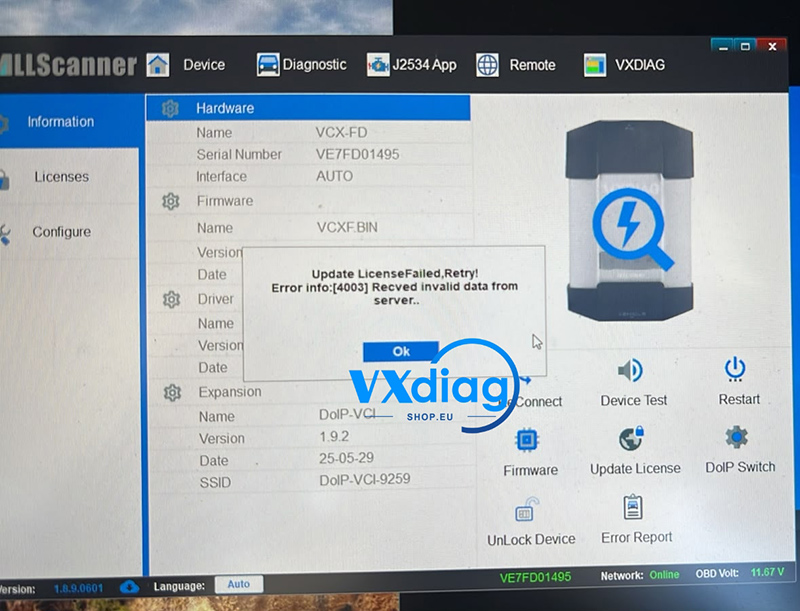
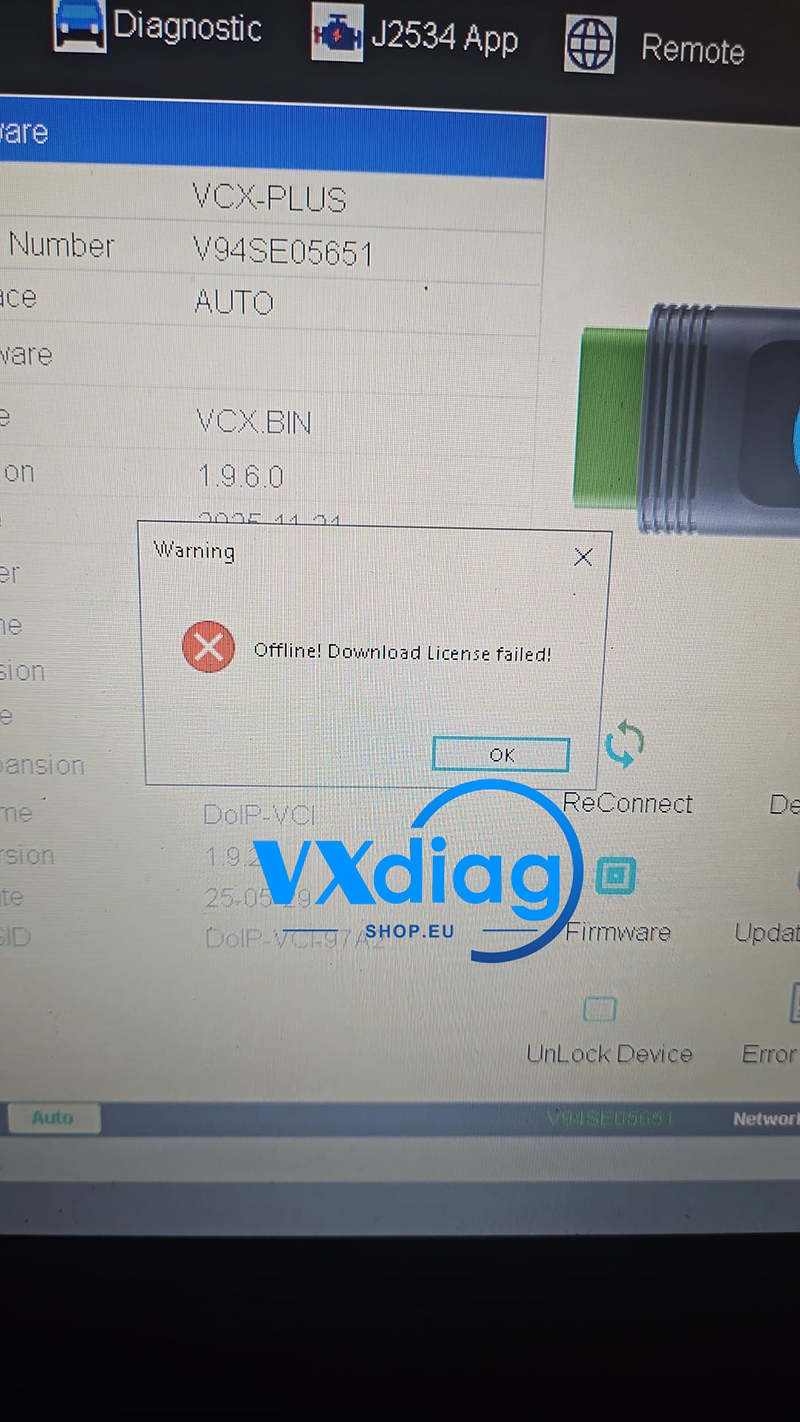
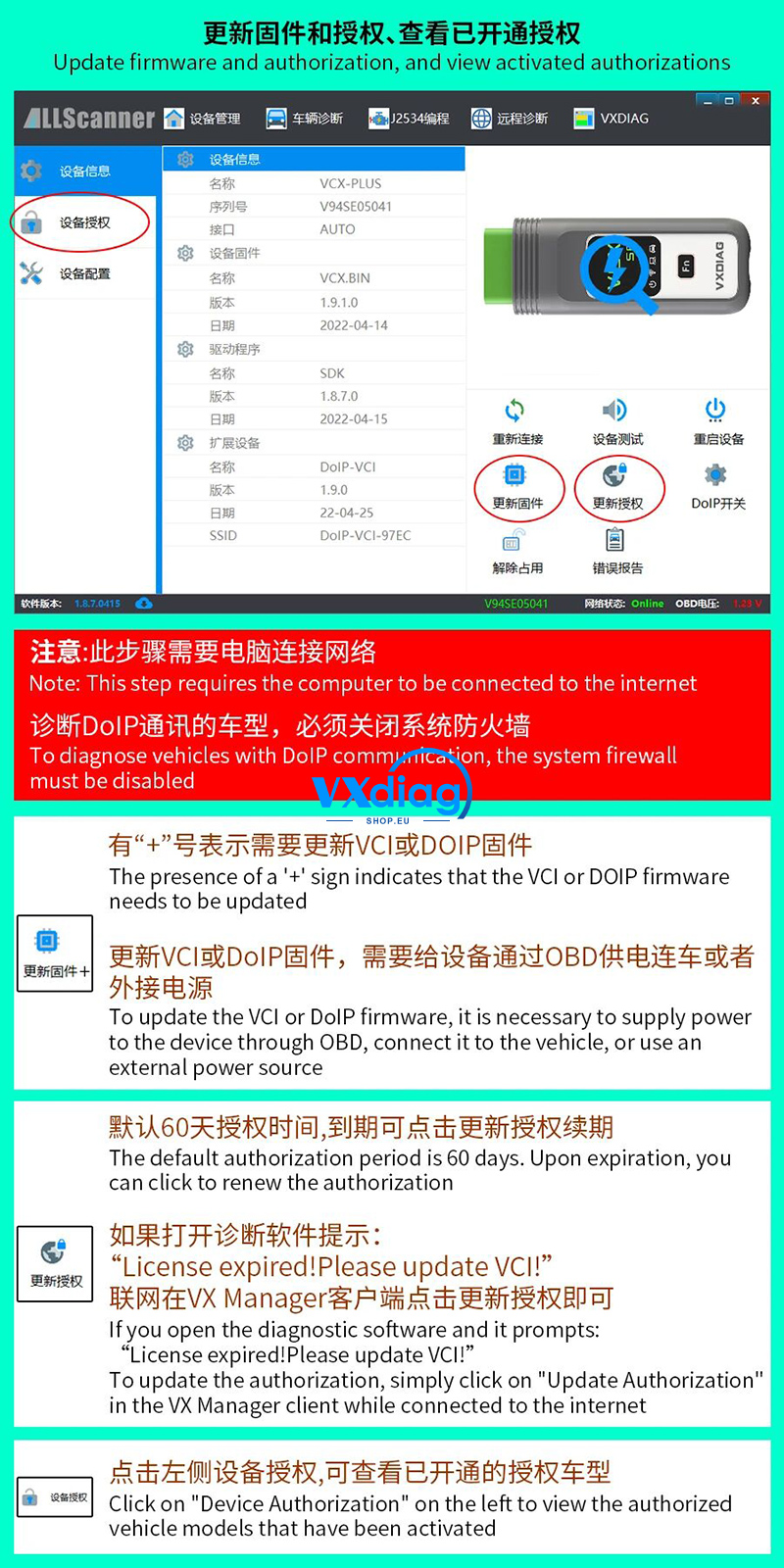
4. Update firmware and authorization
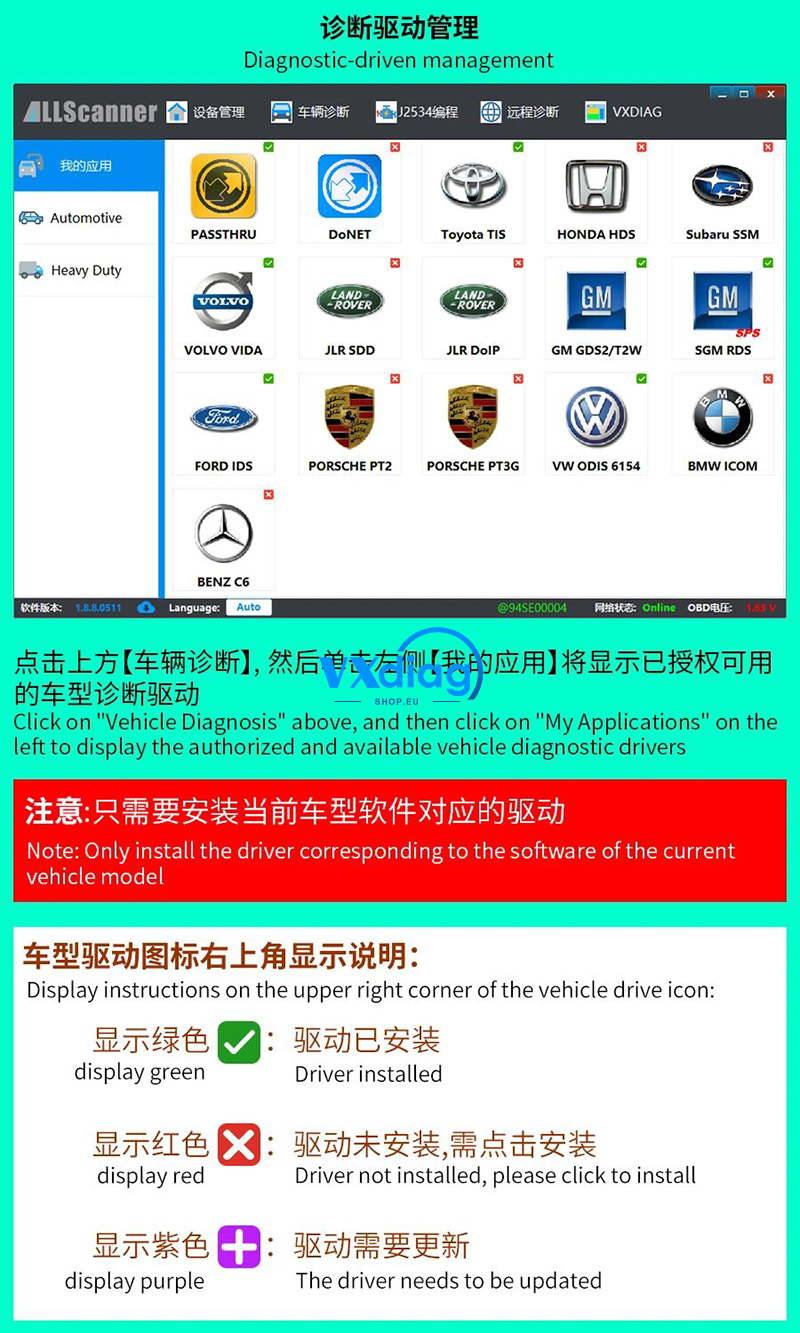
5. Driver Management