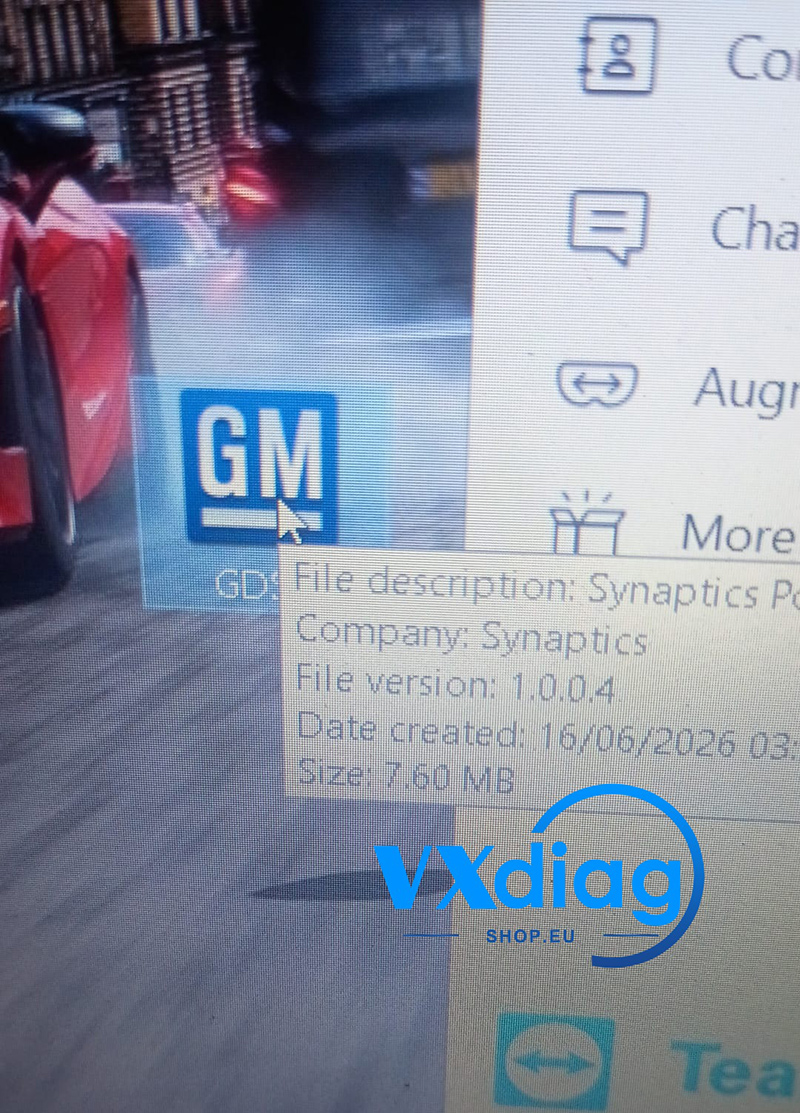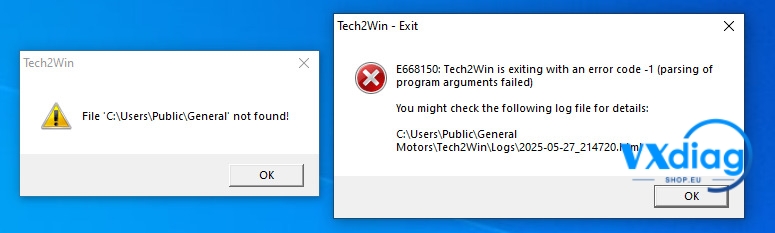
If you’re getting the “No valid lease found” error when using the VXDIAG VCX NANO for GM, don’t worry. An outdated software version or an incorrect patch application usually causes this issue.
Q: VXDIAG VCX NANO for GM Error – “No Valid Lease Found”
Error Message:
“No valid lease found”
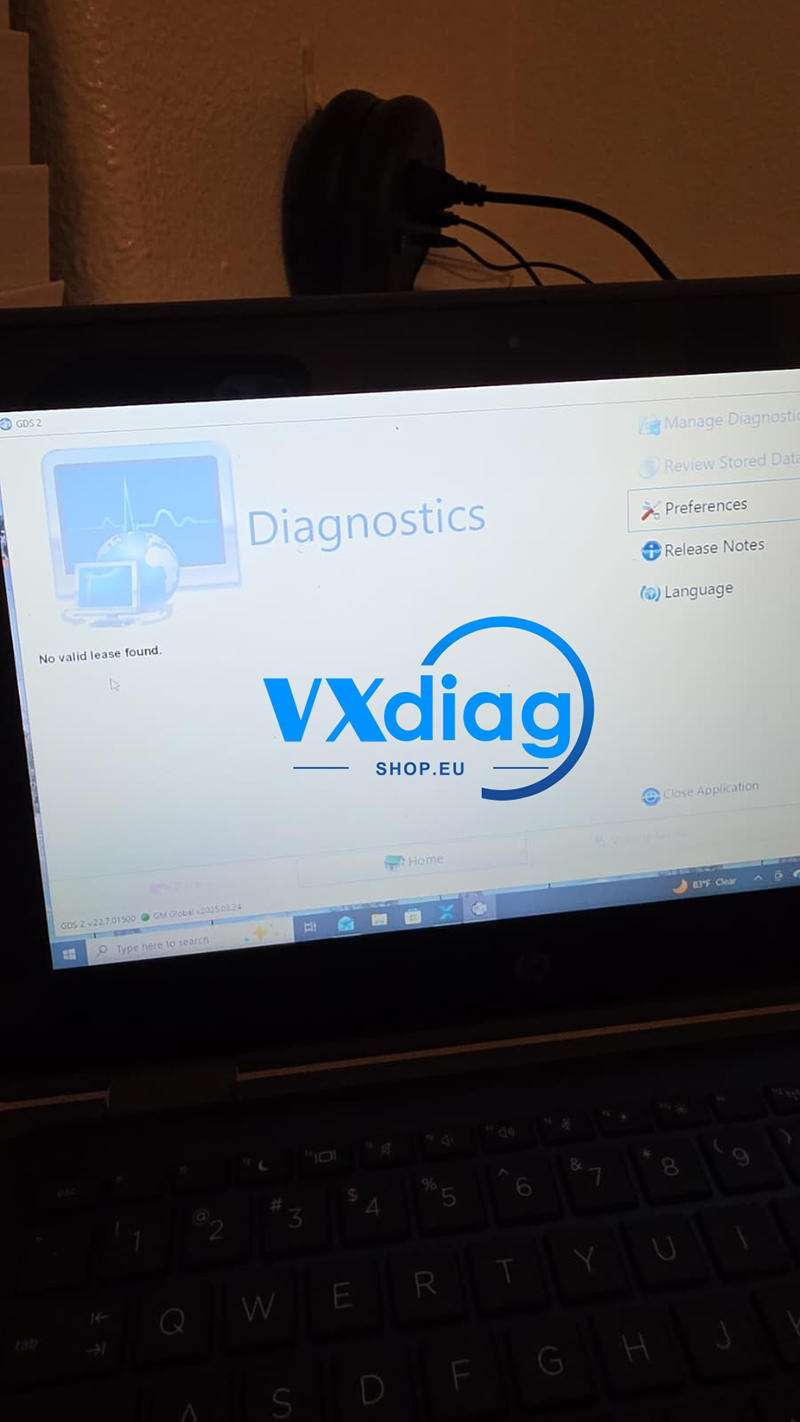
A: Reinstall the Latest GM Software and Apply the Patch
Download and install the latest VXDIAG GM software package.
Note: If you are using Windows 11, temporarily disable your antivirus software before installation. Otherwise, the cracked patch files may be deleted automatically. Windows 10 Pro is recommended for better compatibility.
Required Software
GDS2 2025.03: https://mega.nz/file/DVgWXSbZ#EhsD7KomI1huqHnbP9eaAyHB8pZsIw8I17jZCLPYOIQ
GM DPS 4.52: https://disk.yandex.com/d/ZOFxMBEdFdQNhA
GDS2 Patch: https://mega.nz/file/iUACTJxb#l8F7i8oNiYRzkNtci7Gudv4ub4LivQswArhz9uLUKC0
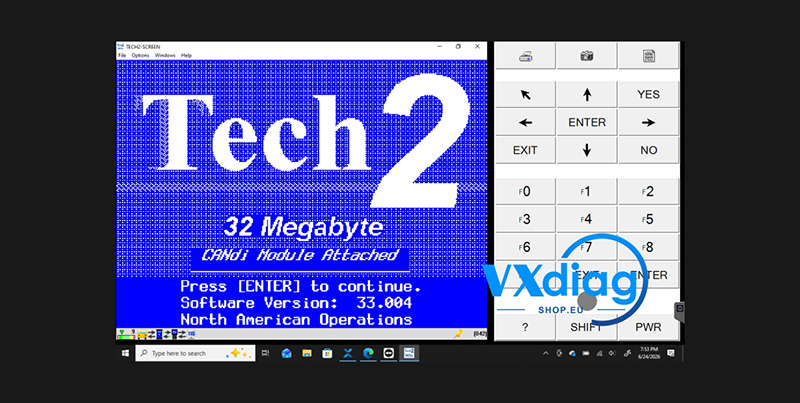
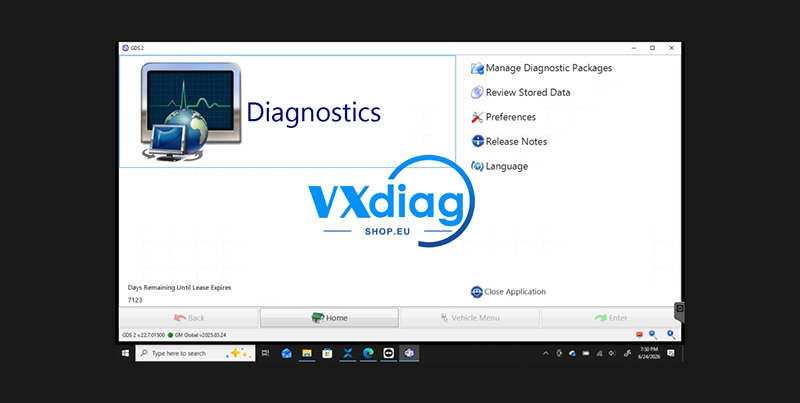
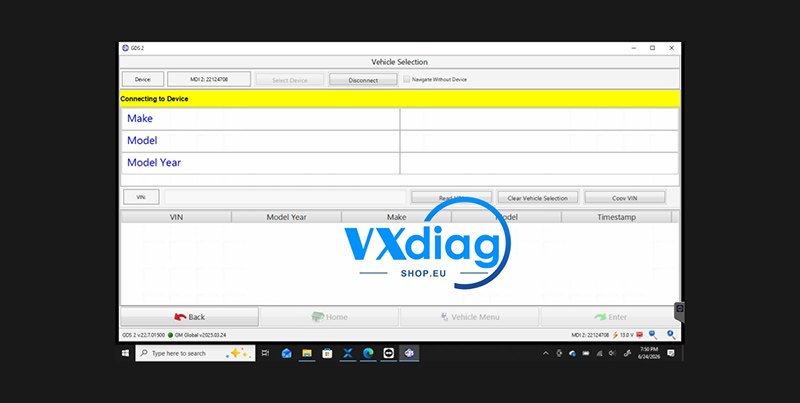
Launch GDS2 Using the Patch
After installation, do not open GDS2 directly.
Instead, launch the software using the GDS2 Patch.
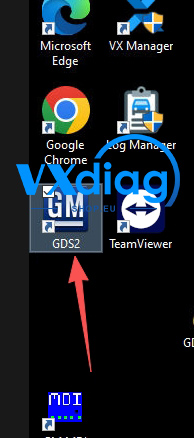
Still Getting the Error?
If the “No valid lease found” message still appears:
Make sure your antivirus software is completely disabled.
Verify that the patch files have not been quarantined or deleted.
Always start GDS2 through the patch launcher, not the original executable.
Following these steps should resolve the issue and allow GDS2 to run normally with the VXDIAG VCX NANO for GM.
For more VXDIAG technical support and product information, visit www.vxdiagshop.eu.