Question:
I am trying to program an ABS module on a 2017 Ford C-Max using the VXDIAG VCX Nano for Ford, but the software shows a “No Communication” error and won’t connect to the vehicle. How can I fix this?
Answer:
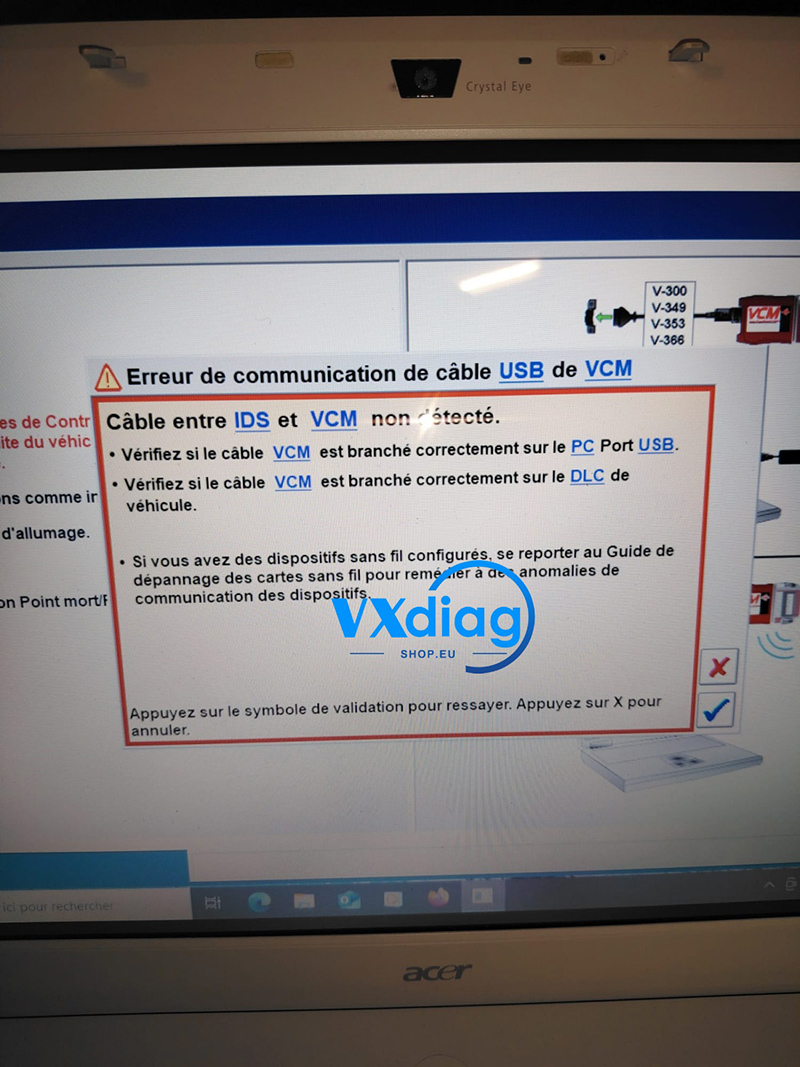
This issue happens because the required device driver is missing on your computer. Without the proper driver installed, your Ford diagnostic software (IDS/FDRS) cannot recognize or communicate with the VXDIAG hardware interface.
To resolve the communication error, follow these quick steps:
Step 1: Install VX Manager
If you haven’t already, download and install the latest version of VX Manager on your laptop. This is the core management software for your diagnostic tool.
Step 2: Install the Ford Passthru/IDS Driver
-
Connect your VXDIAG VCX Nano to your laptop via USB.
-
Open VX Manager.
-
Go to the “Diagnostic” tab.
-
Find the Ford/Mazda (IDS) driver icon and click Install.
Step 3: Test Communication
Once the driver installation is complete, restart your Ford diagnostic software. The hardware will now communicate properly with the vehicle, allowing you to proceed with the ABS module programming.
For driver downloads and official technical support, please visit www.vxdiagshop.eu.