Question:
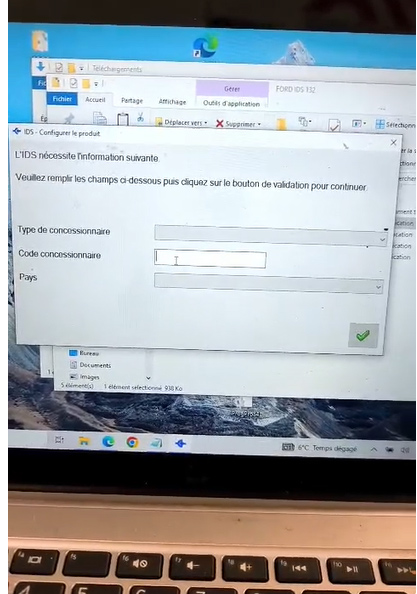
When setting up or initializing the VXDIAG VCX Nano for Ford software, I am prompted with an information entry screen containing multiple rows. What specific details do I need to write or select here to proceed?
Answer:
You do not need to enter specific personal or vehicle details to bypass this screen. You can quickly configure it by following these three simple input selections:
-
First Row: Select the third option from the dropdown menu.
-
Second Row: Leave this field completely blank (no text or selection needed).
-
Third Row: Select any option from the dropdown menu randomly.
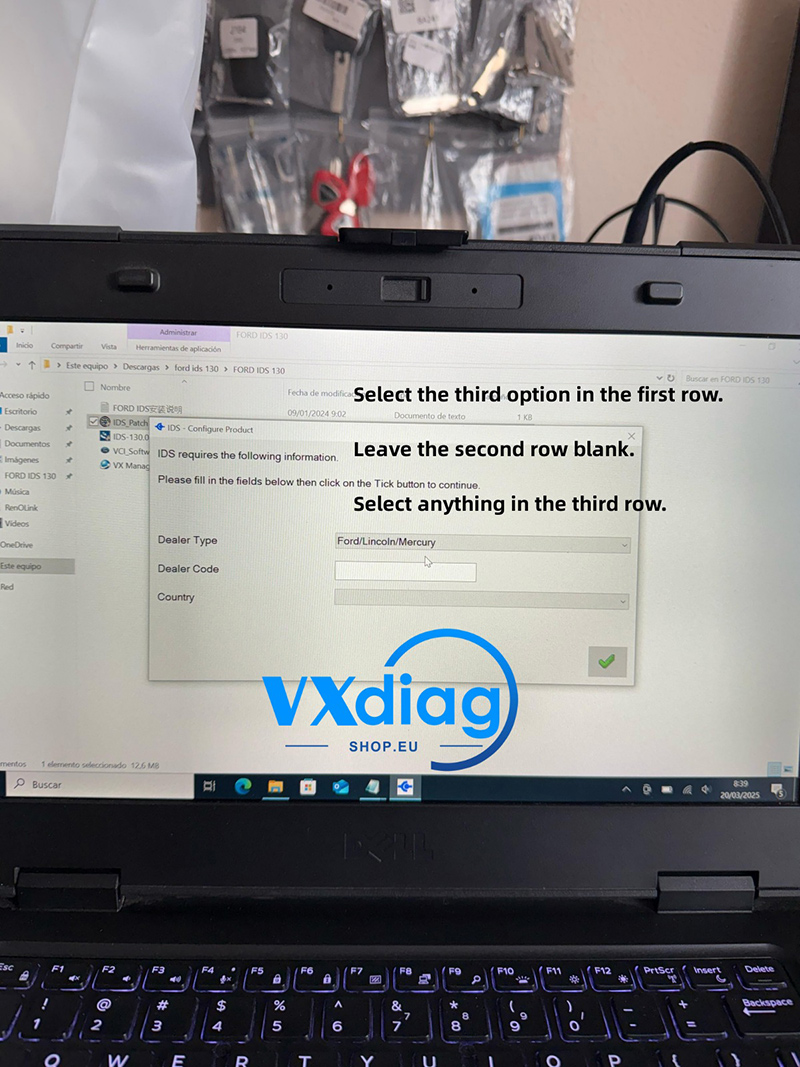
Once these selections are made, click next to complete the setup, and your Ford diagnostic software will be ready to use.
For more software setup guides and official technical support, please visit www.vxdiagshop.eu.